How to Enable Attendance Tracking
Attendance tracking allows coaches and admins to check participants in for each date within a scheduled session, providing a digital record of who was present.
Written By communiti
Last updated 10 months ago
Option 1: During Initial Scheduling
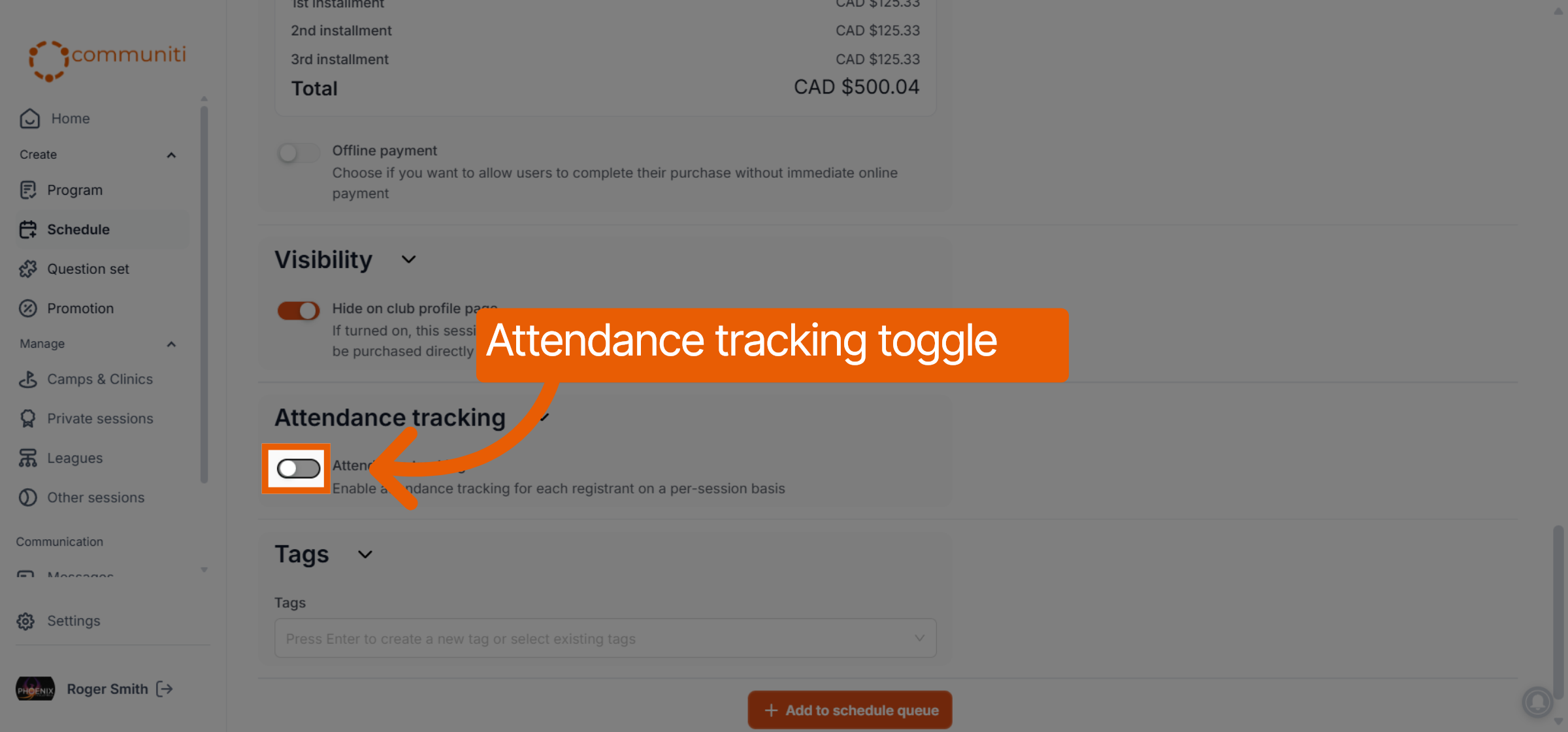
While creating a new session in the Schedule tab, scroll to the Attendance tracking section.
Toggle the feature to ON.
Option 2: For an Active Session
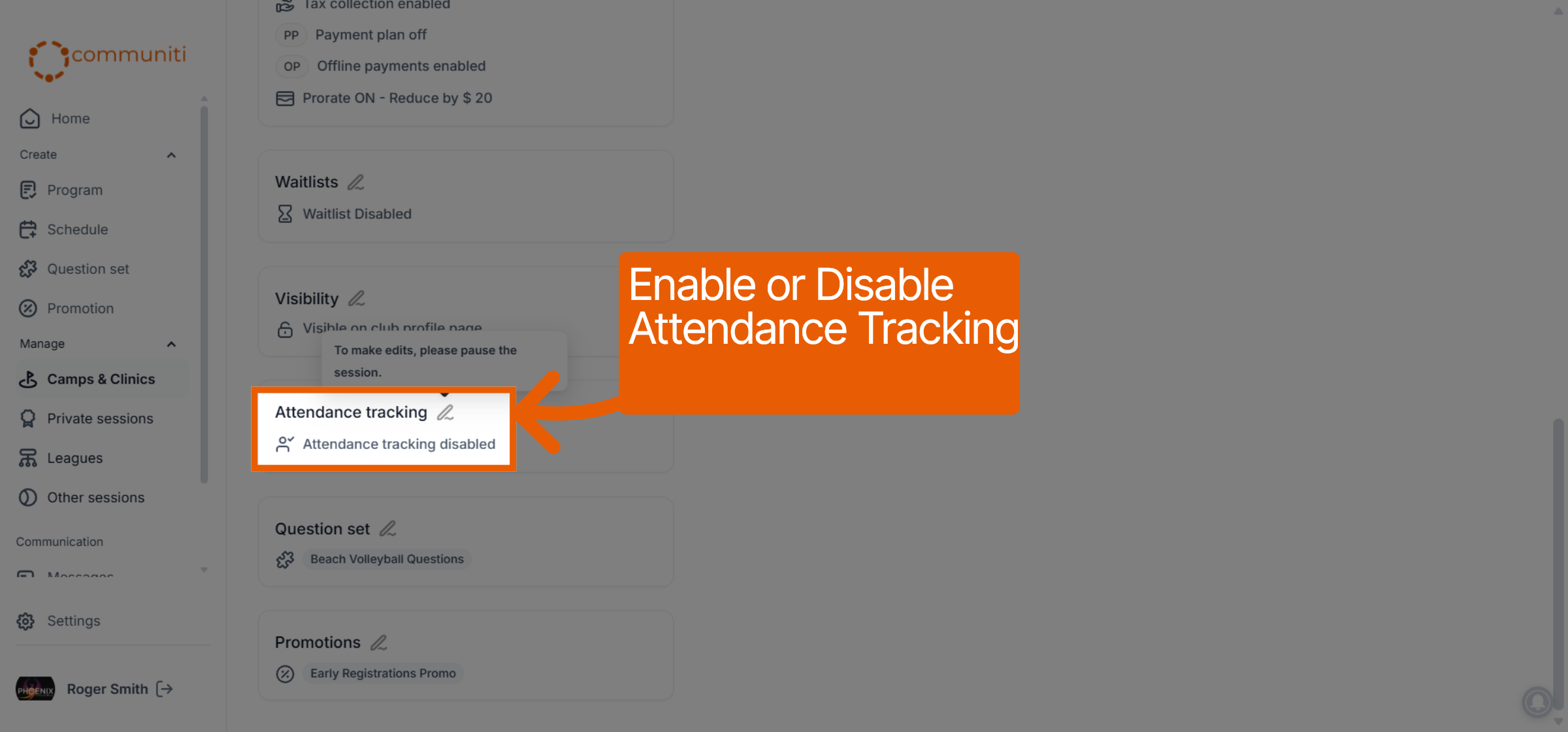
Navigate to the Manage menu and select the relevant session.
Under the Overview tab, find the Attendance tracking card.
Click the Edit (pencil) icon to enable the toggle for that session.
Was this helpful?
Still need help? Ask the team