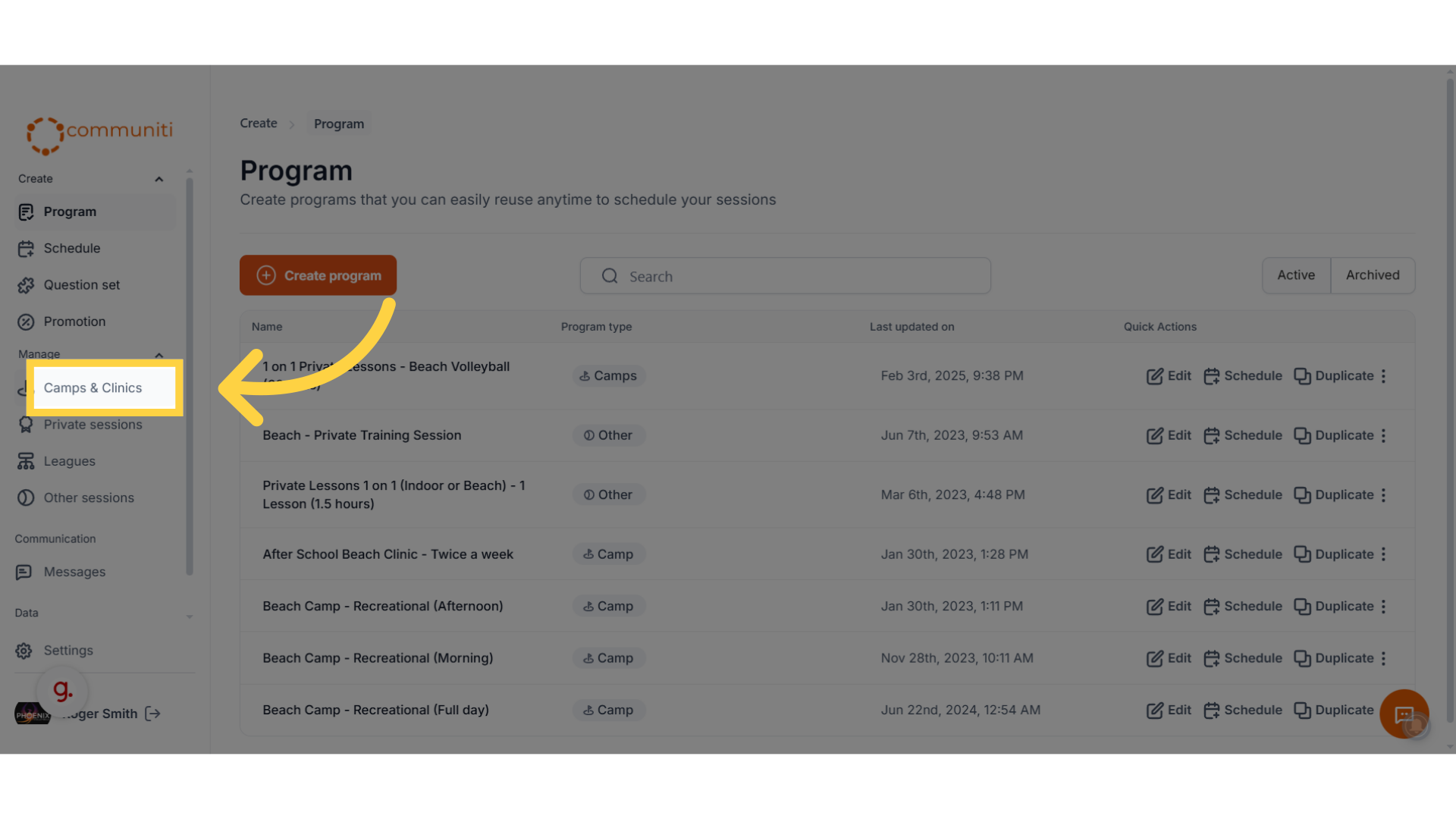
1. Under the manage menu, select type of program you are looking for
Camps and Clinics, Leagues, Private Sessions or Other Sessions
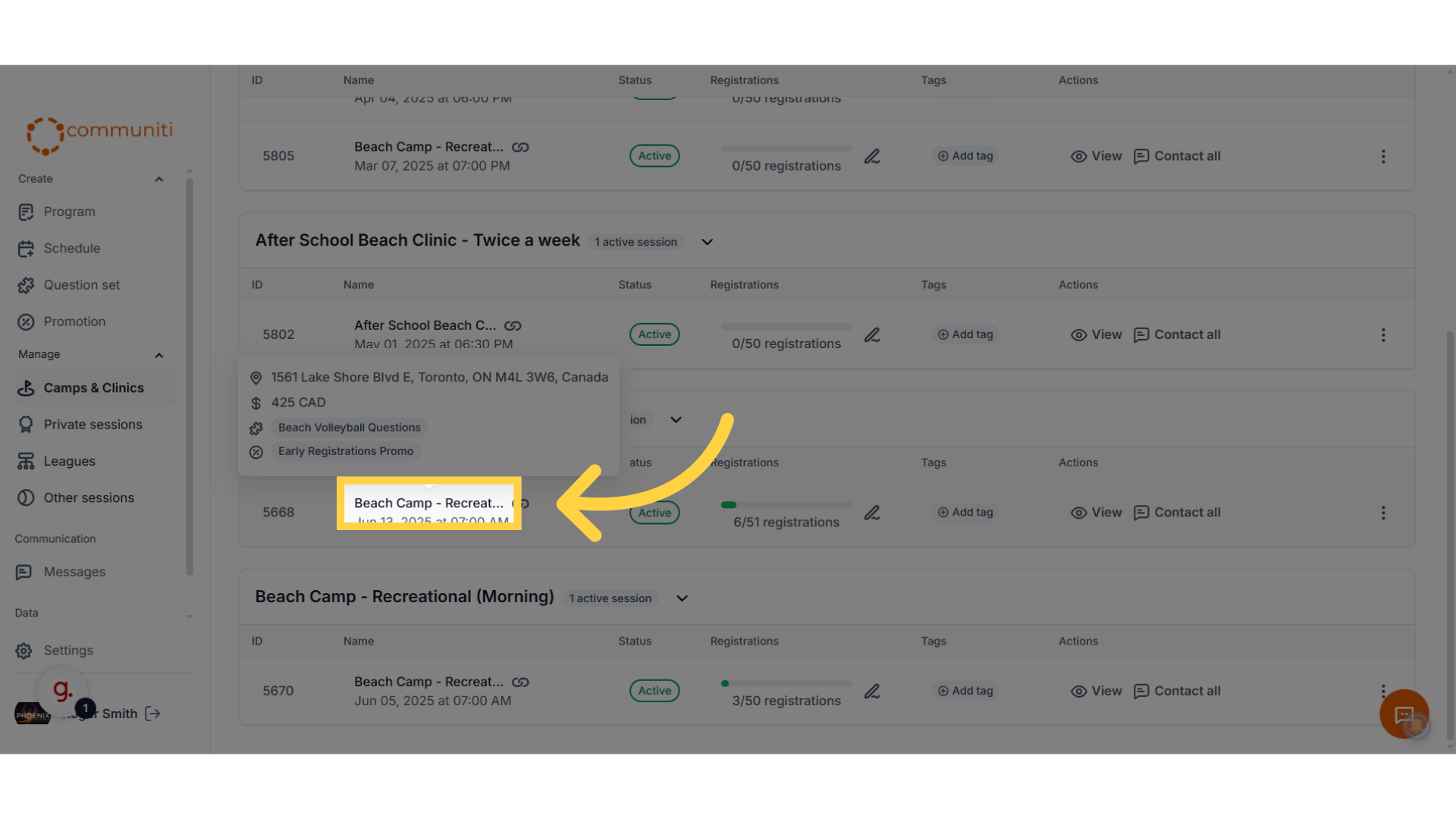
2. Select the session you are looking for
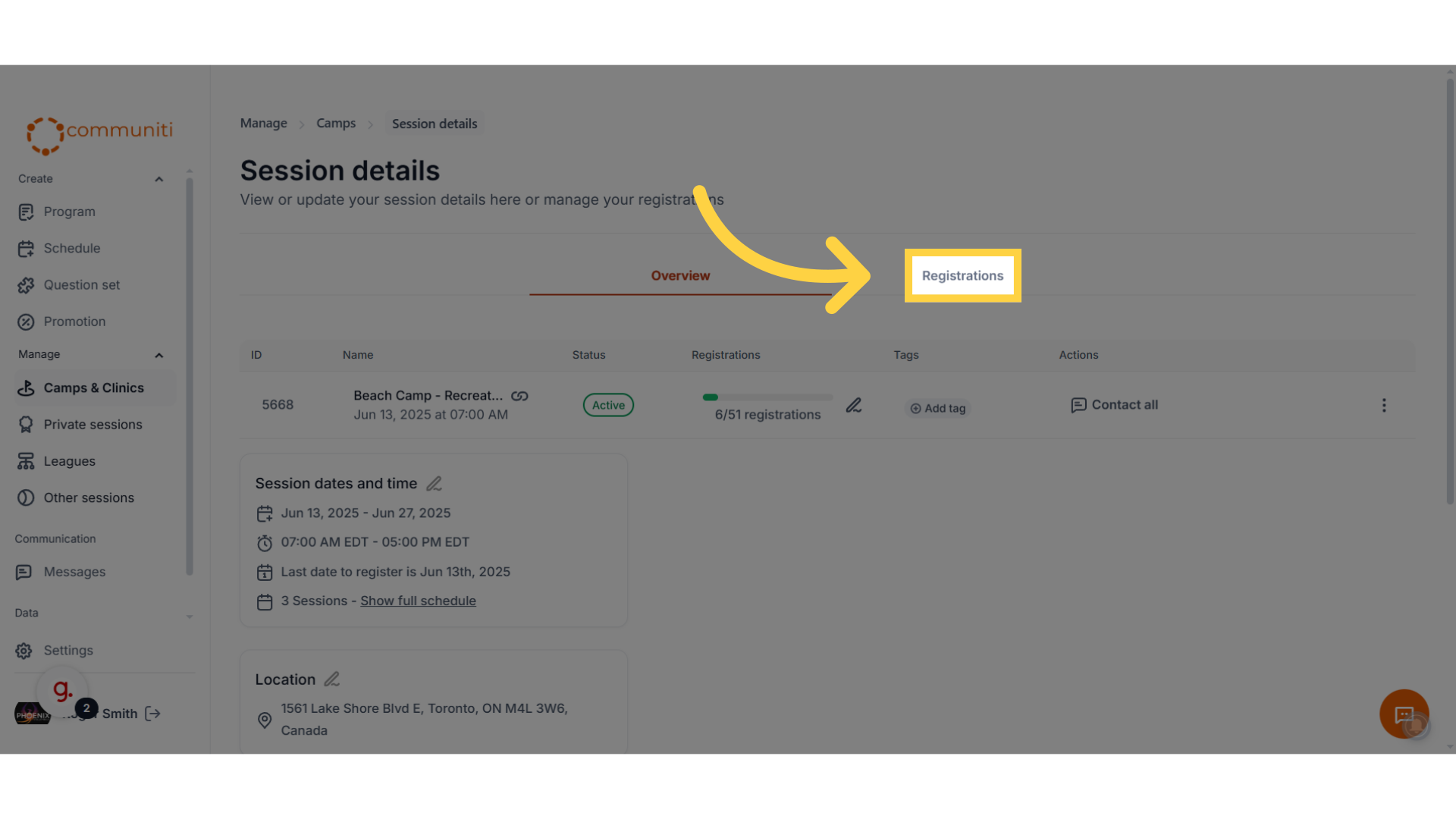
3. Click "Registrations"
Go to the "Registrations" section to view all participants
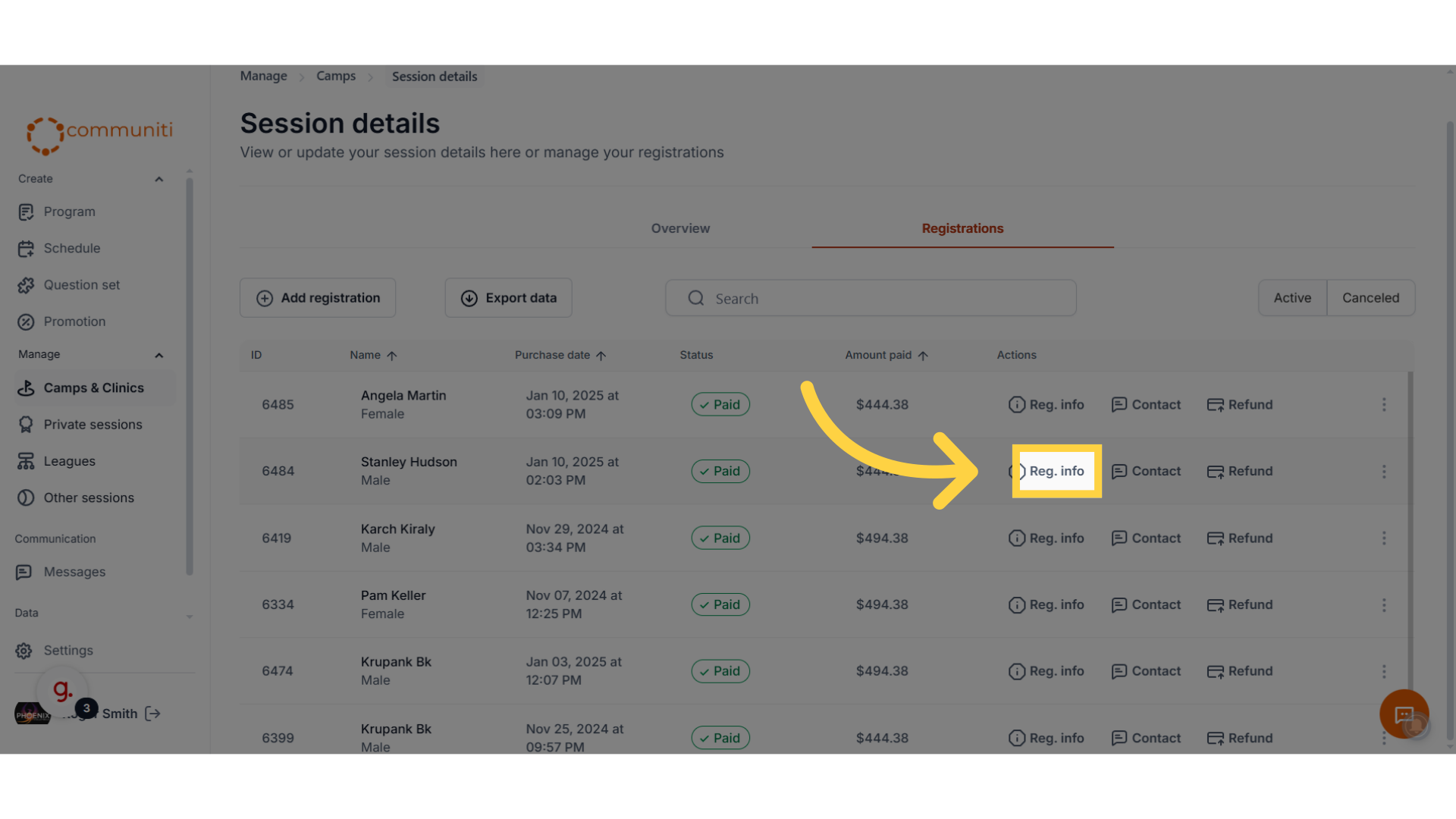
4. Once you find the person you are looking for, click "Reg. info"
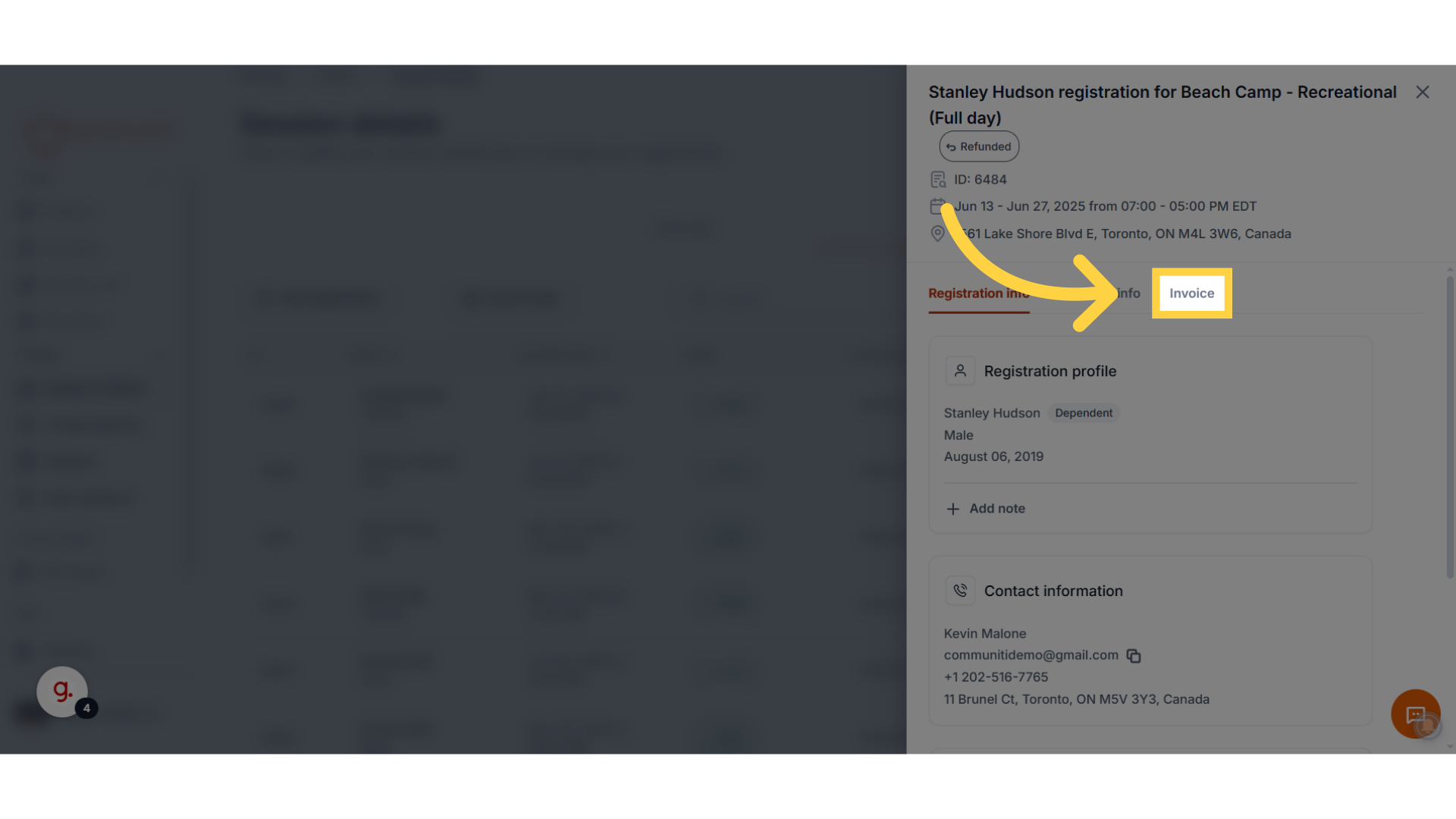
5. Click "Invoice"
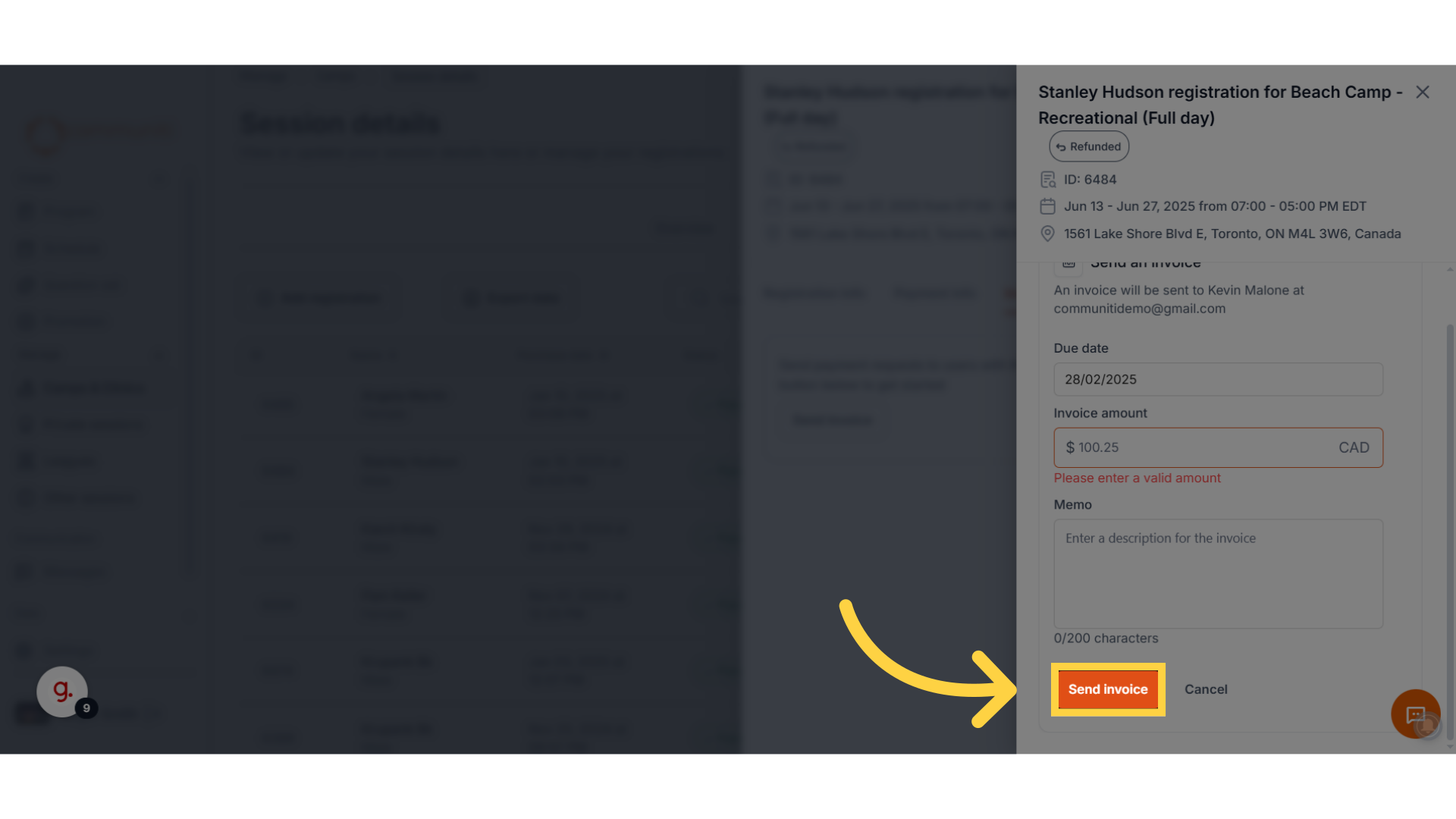
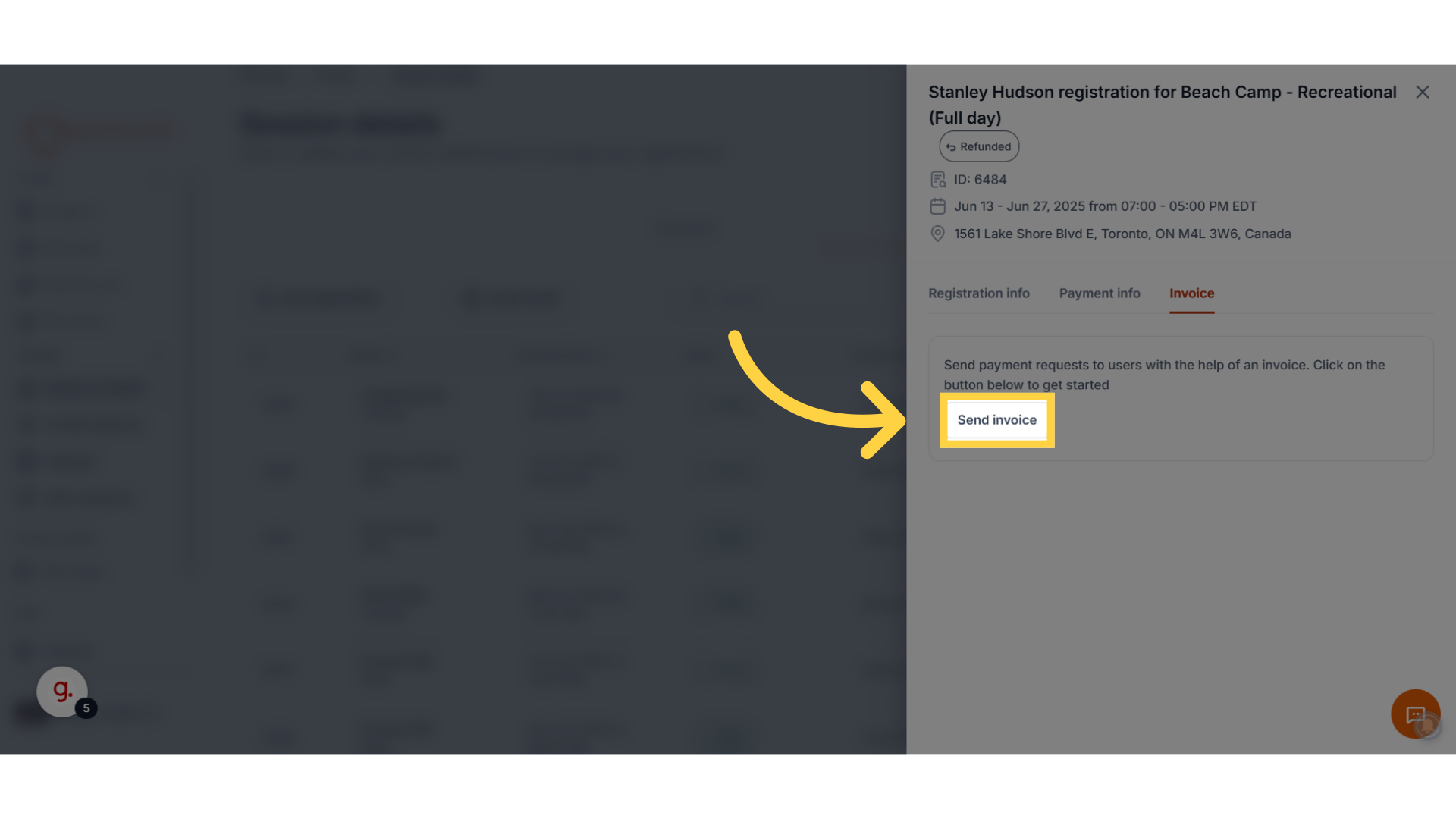
6. Select "Send invoice"
7. Enter the due date for the invoice
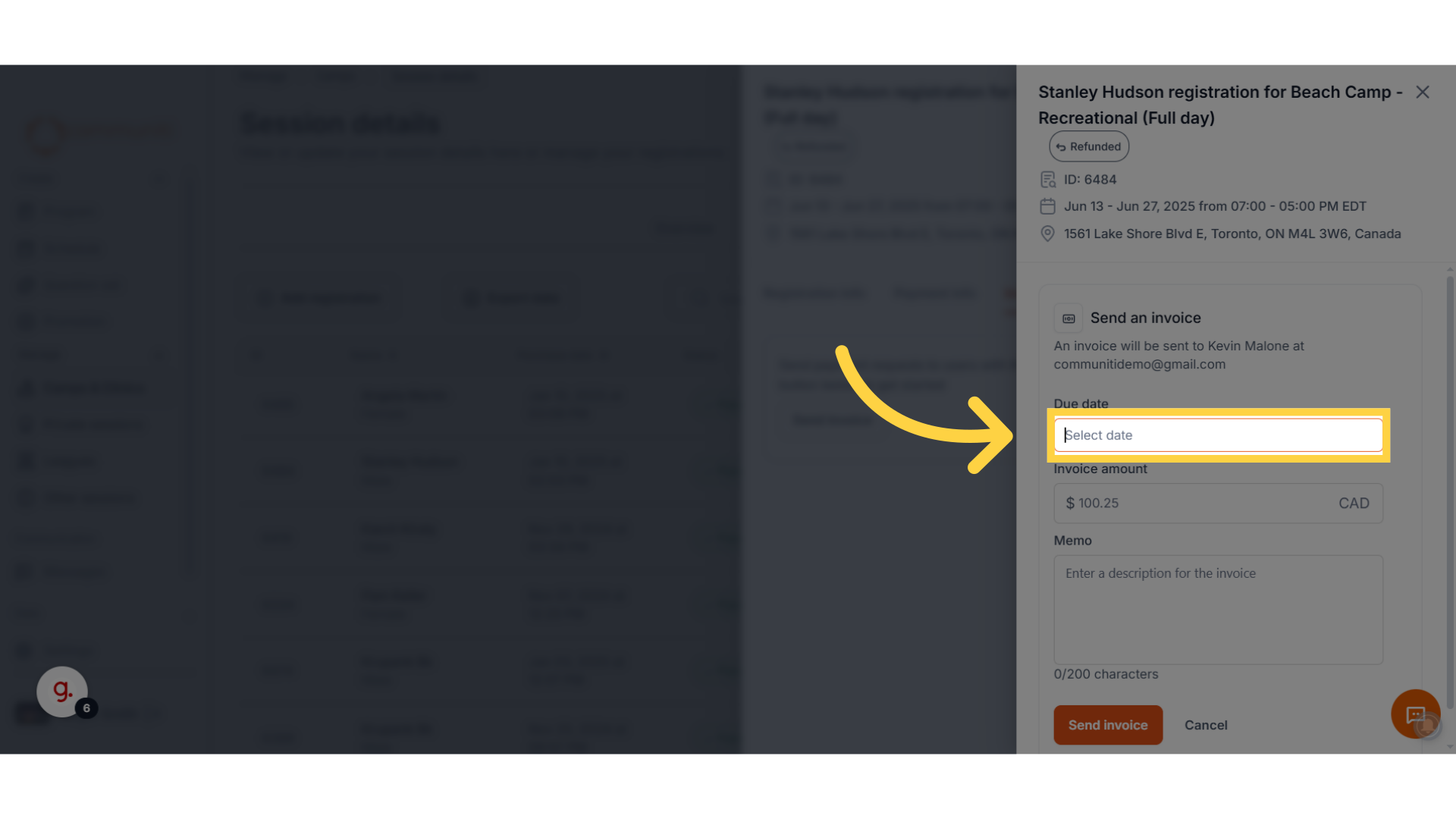
8. Enter the amount
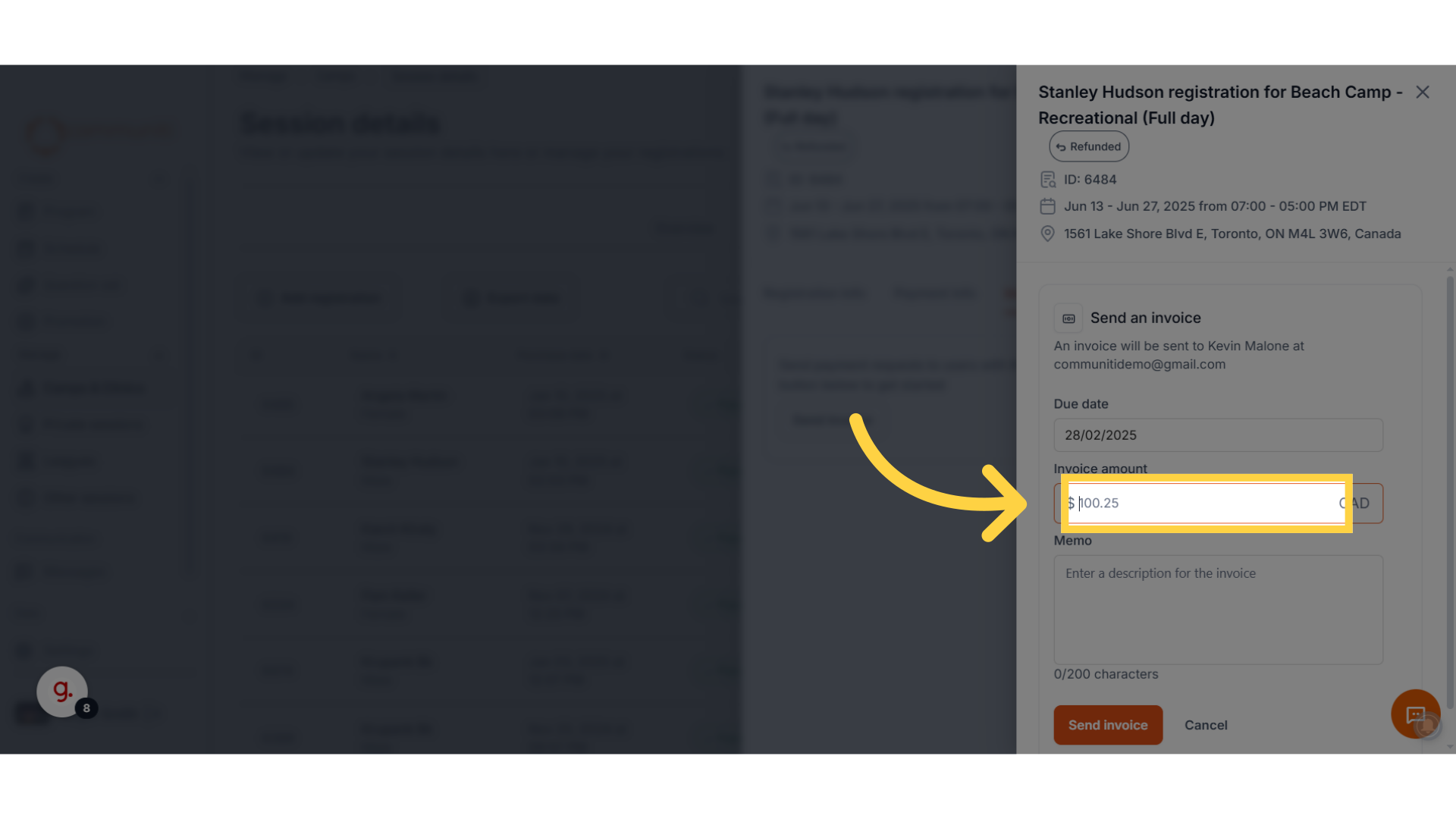
9. Click "Send invoice"
The user will get an email with a link to pay the invoice online.