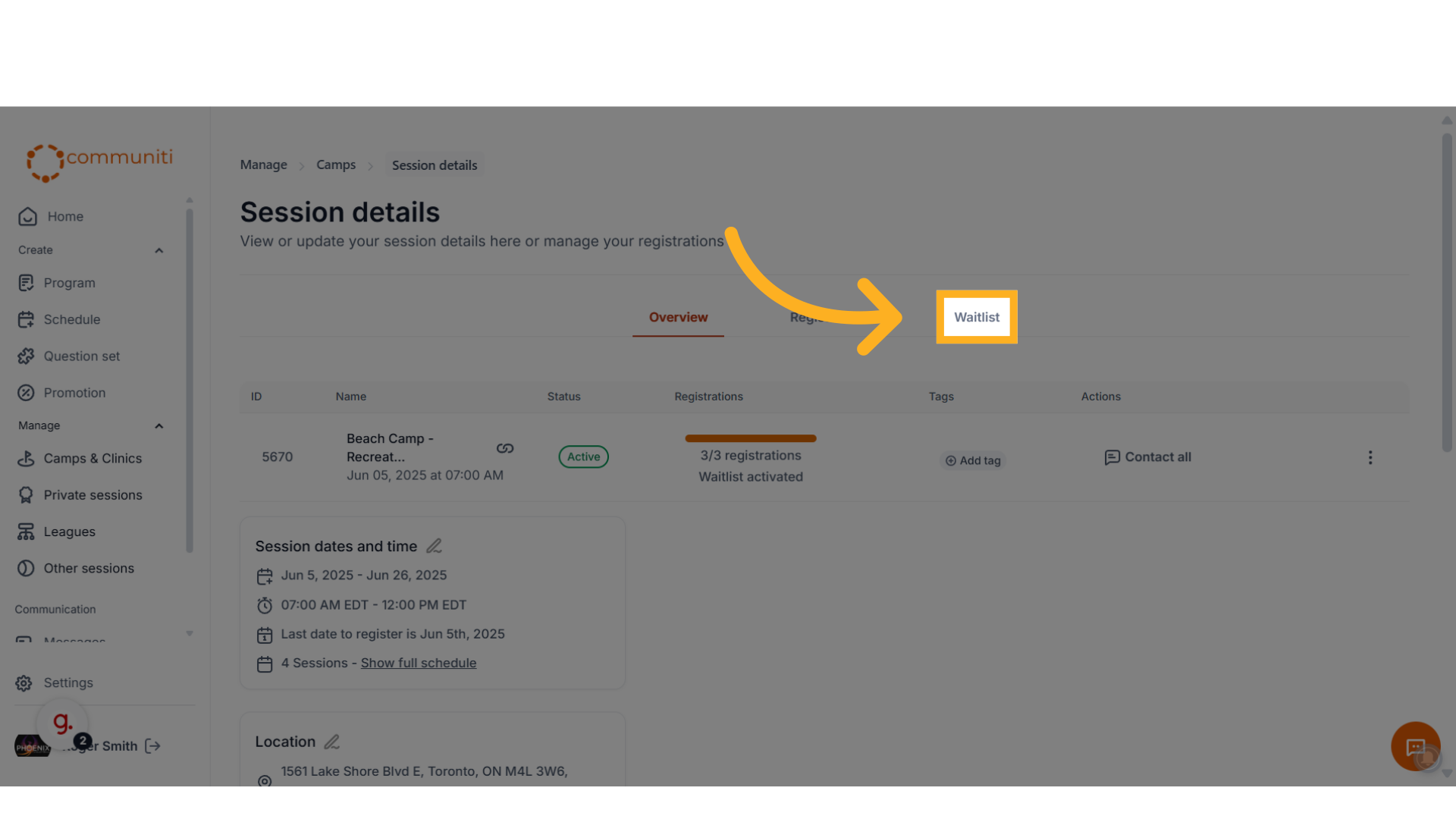
1. Navigate to the waitlist tab for the specific session
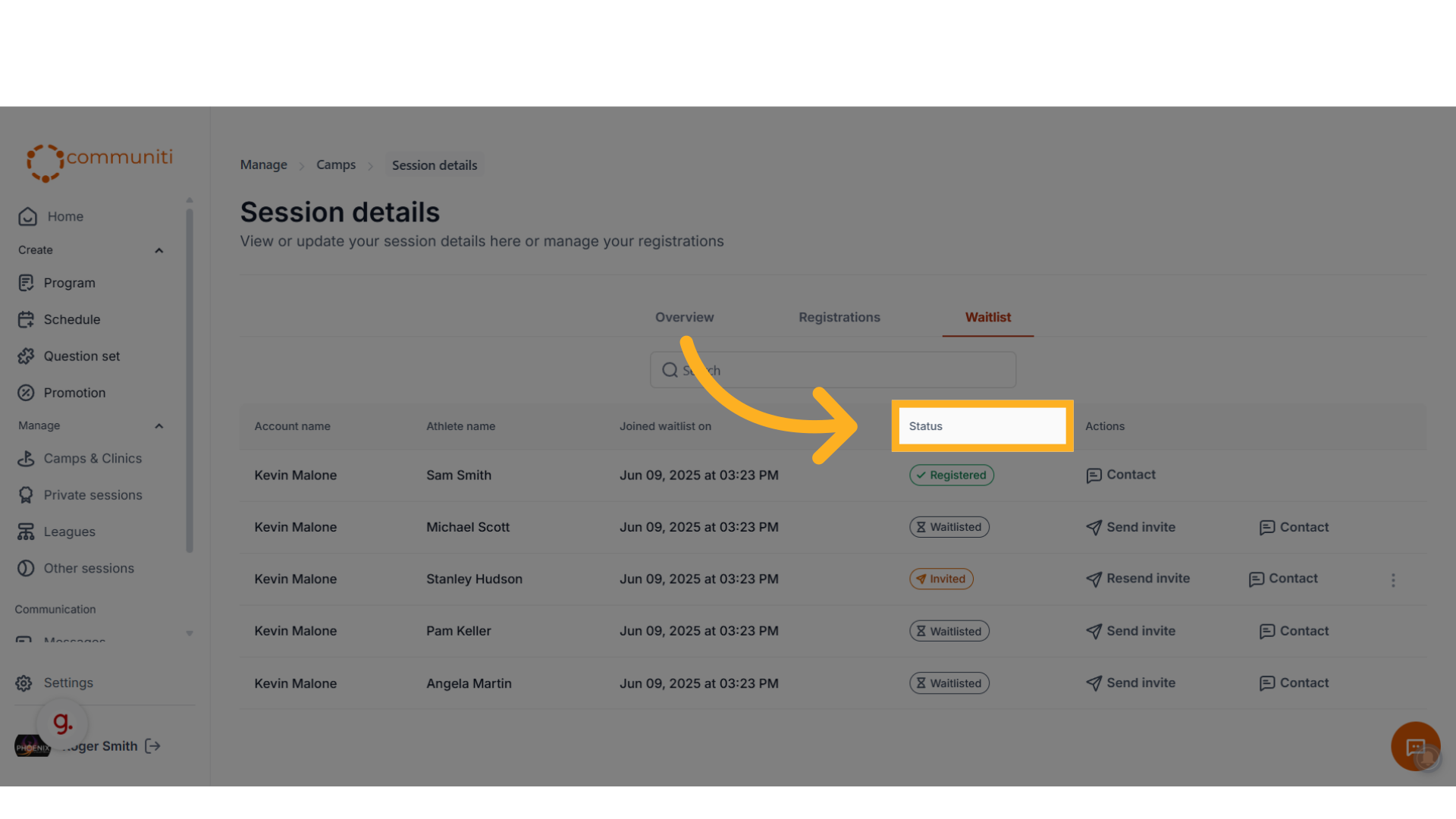
2. You will see a list of all the users currently on the waitlist and their status
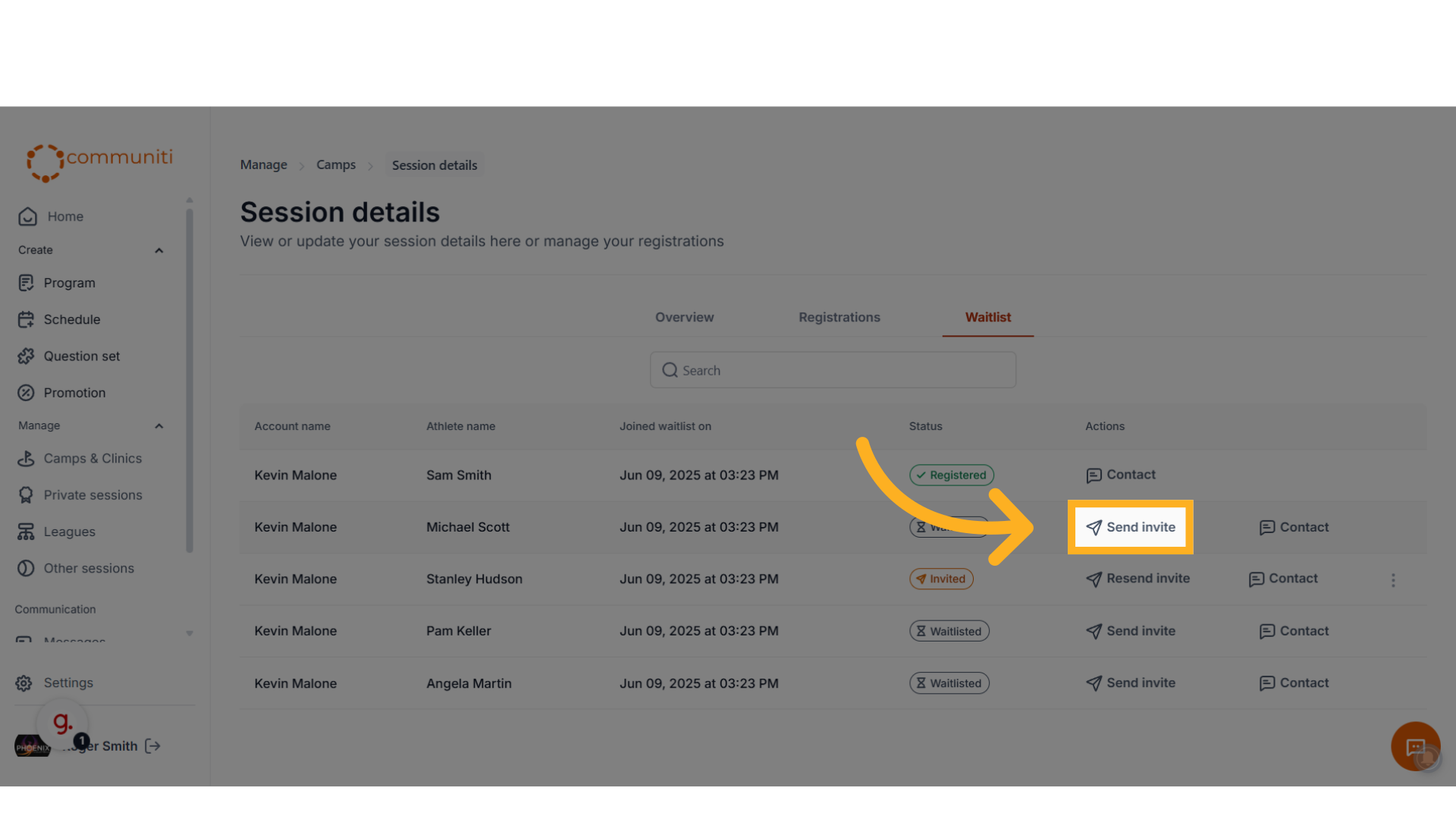
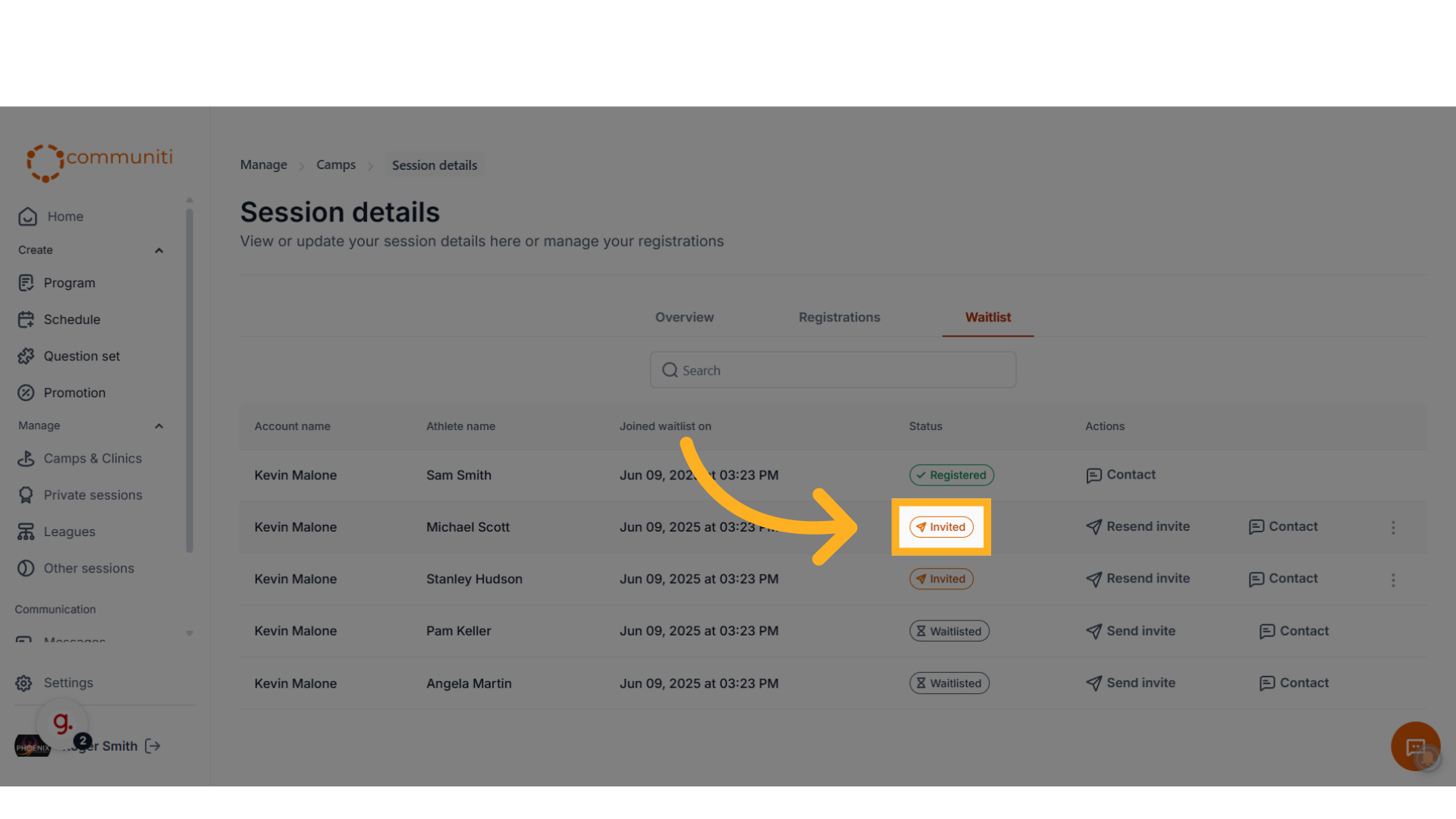
3. Locate the user you want to send the invite to and click 'Send Invite'. You will see their status on the waitlist has changed to invited.
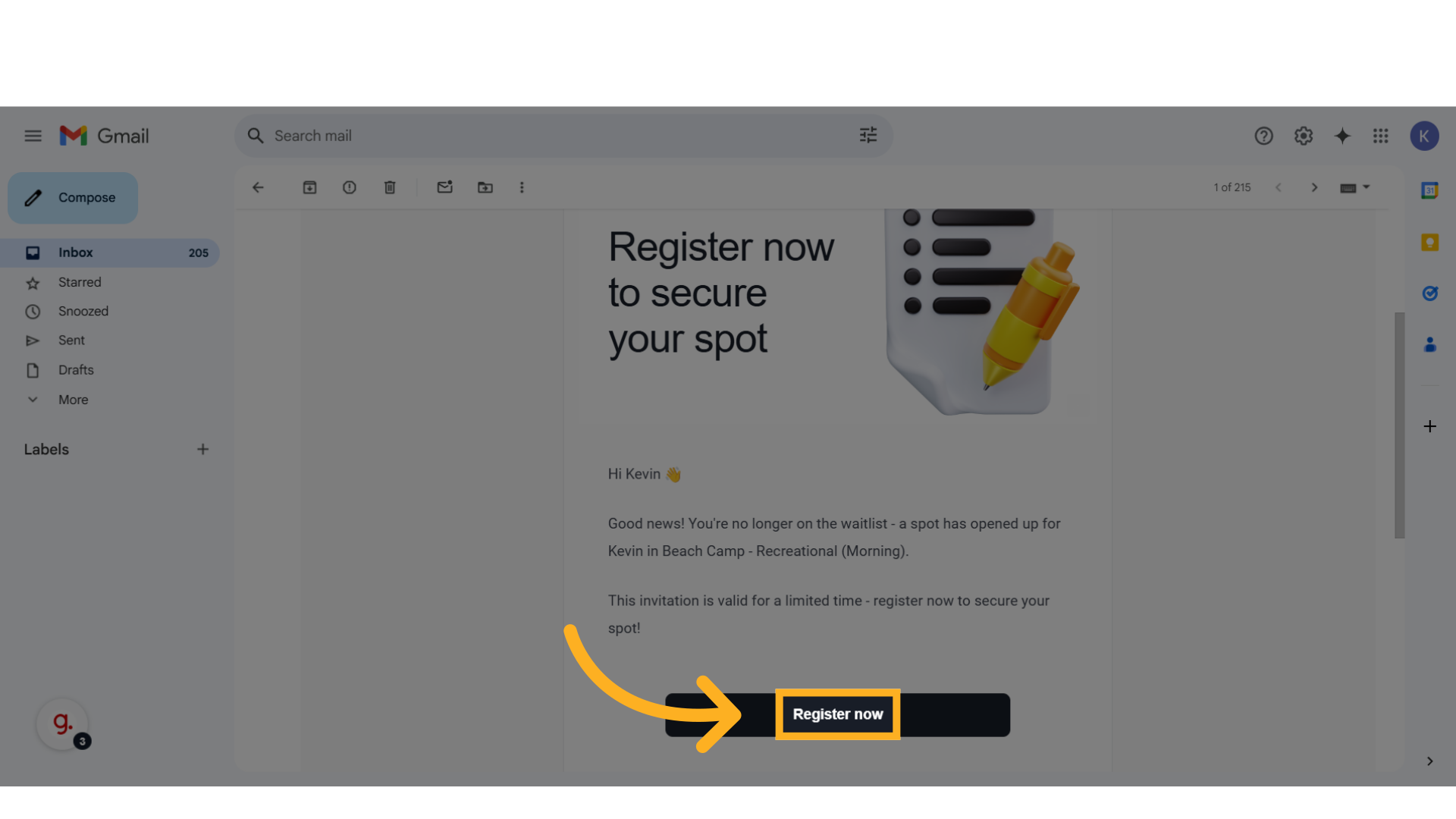
4. The user will receive an email with a unique link to register. They can click on the button to complete the registration.
5. Once the user completes the registration:
- You will receive an email confirmation
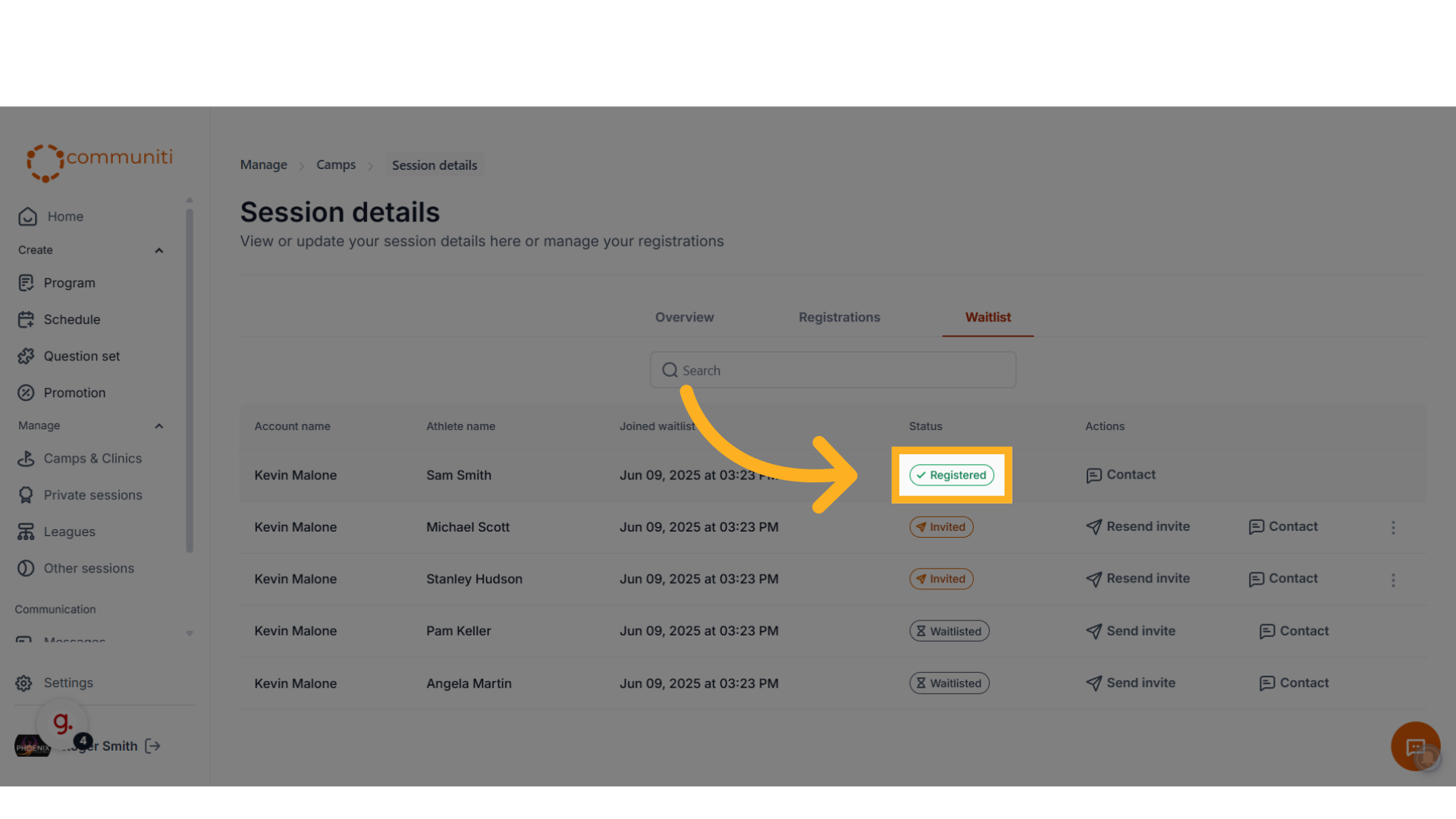
- The status on the waitlist will change to 'Registered'
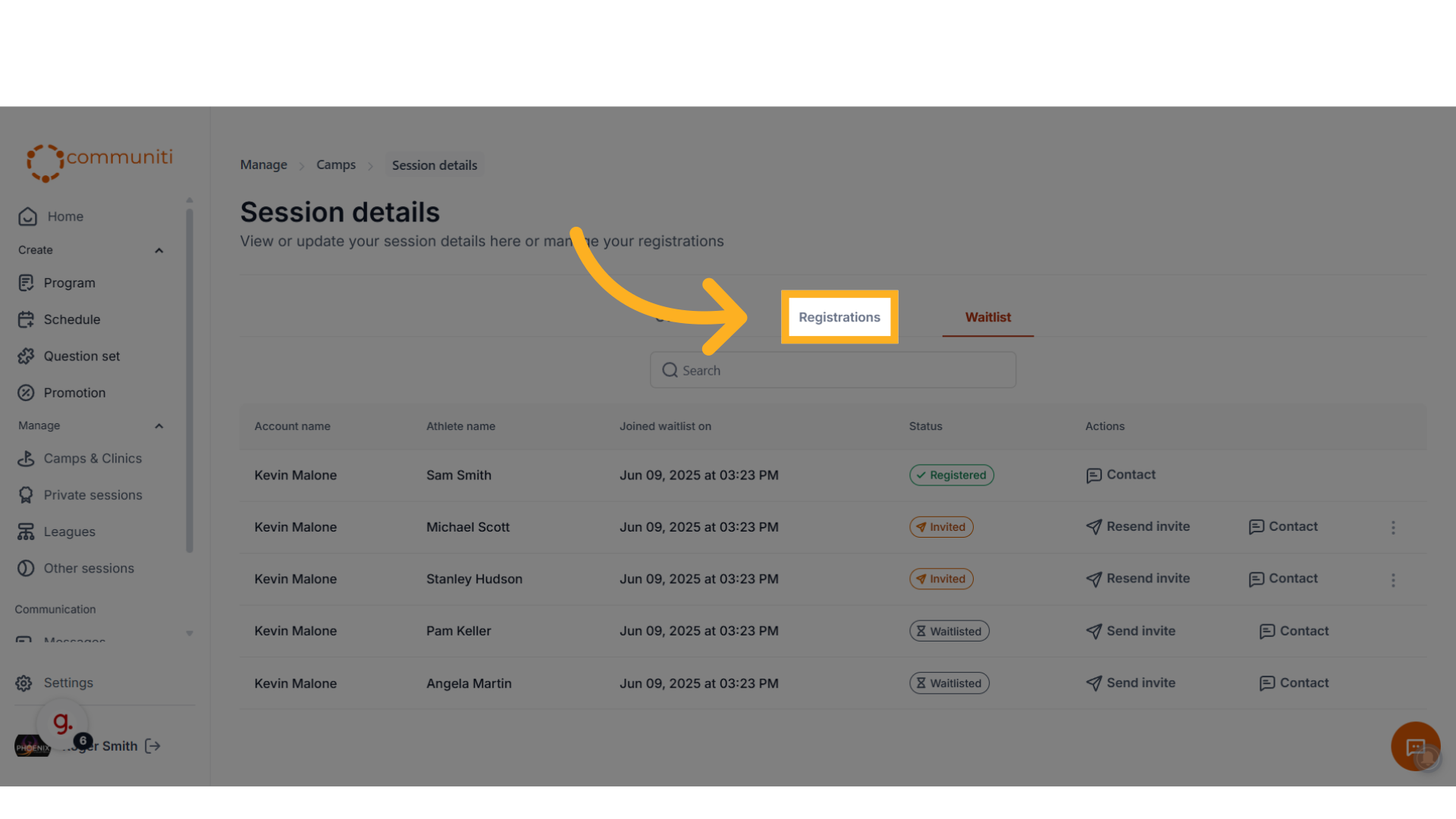
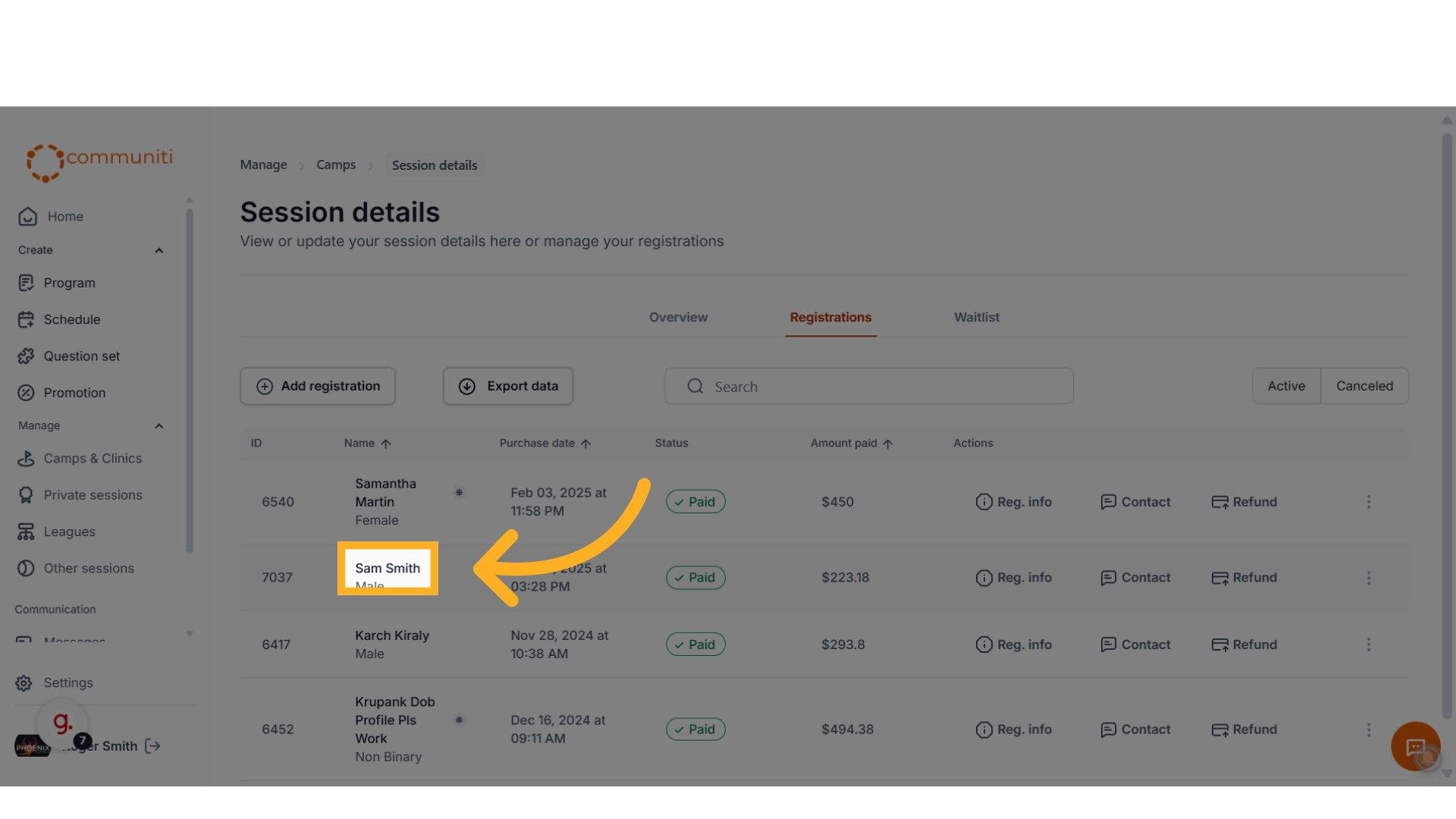
- They will be added to the registration list for the session