Understanding Chat Features and Unread Notifications
Communiti's chat feature facilitates seamless communication through both group environments and direct messaging. The platform uses an intelligent notification system to ensure users stay informed without being overwhelmed.
Written By communiti
Last updated 10 months ago
1. Group and Direct Messaging
Communication on the platform is organized to keep everyone connected based on their specific needs.
Automatic Group Chats: A dedicated group chat is automatically created for every scheduled session.
Participant Management: Users are automatically added to their respective session's group chat as soon as they complete a registration.
Direct Messages: In addition to group chats, the platform supports one-on-one direct messaging for private communication between clubs and individual users.
2. Intelligent Notification Workflow
To ensure important updates aren't missed, the system monitors unread activity across the entire chat feature.
Intelligent Scanning: The system automatically scans for unread messages at regular, specific frequencies.
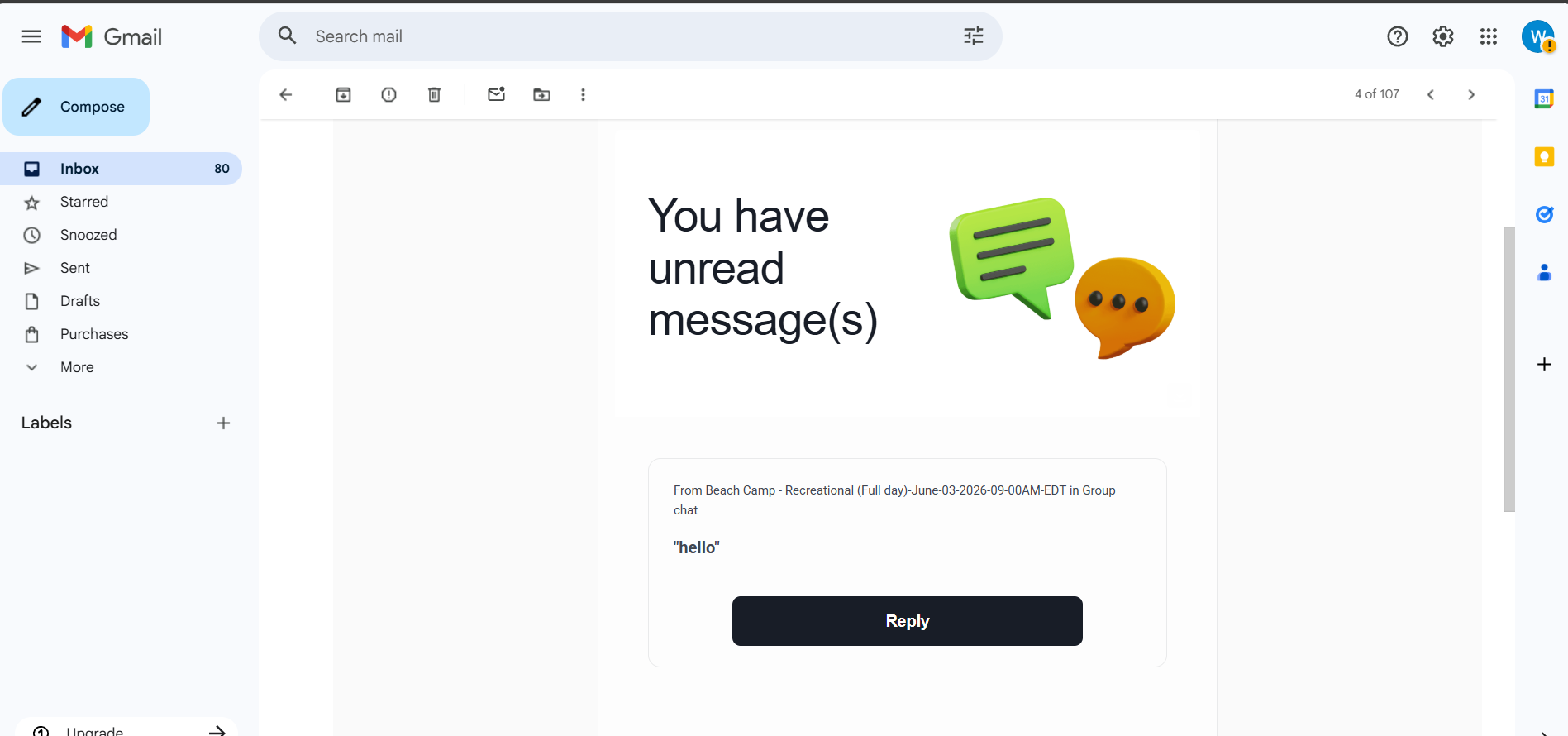
Consolidated Alerts: If unread messages are detected within a scan interval, they are bundled together into a single "Unread message(s)" notification email.
Universal Reach: These notifications are sent to both clubs and users, ensuring all parties are aware of pending conversations.
3. Spam Prevention and Frequency
The notification logic is strictly designed to avoid spamming the recipient's inbox.
Single Notification Policy: Only one email notification is sent for any specific unread message.
Post-Notification Silence: Once a message has been included in a notification, the system will not send any further alerts for that specific message.
Action-Oriented Alerts: The notification email includes a summary of the missed message and a direct "Reply" button to take the user straight back to the conversation.
Was this helpful?
Still need help? Ask the team