Understanding Program vs. Session Links
Communiti provides two distinct ways to share your activities, depending on whether you want users to choose from a list of options or land on a specific registration page.
Written By communiti
Last updated 10 months ago
1. Program Links: The Multi-Option View
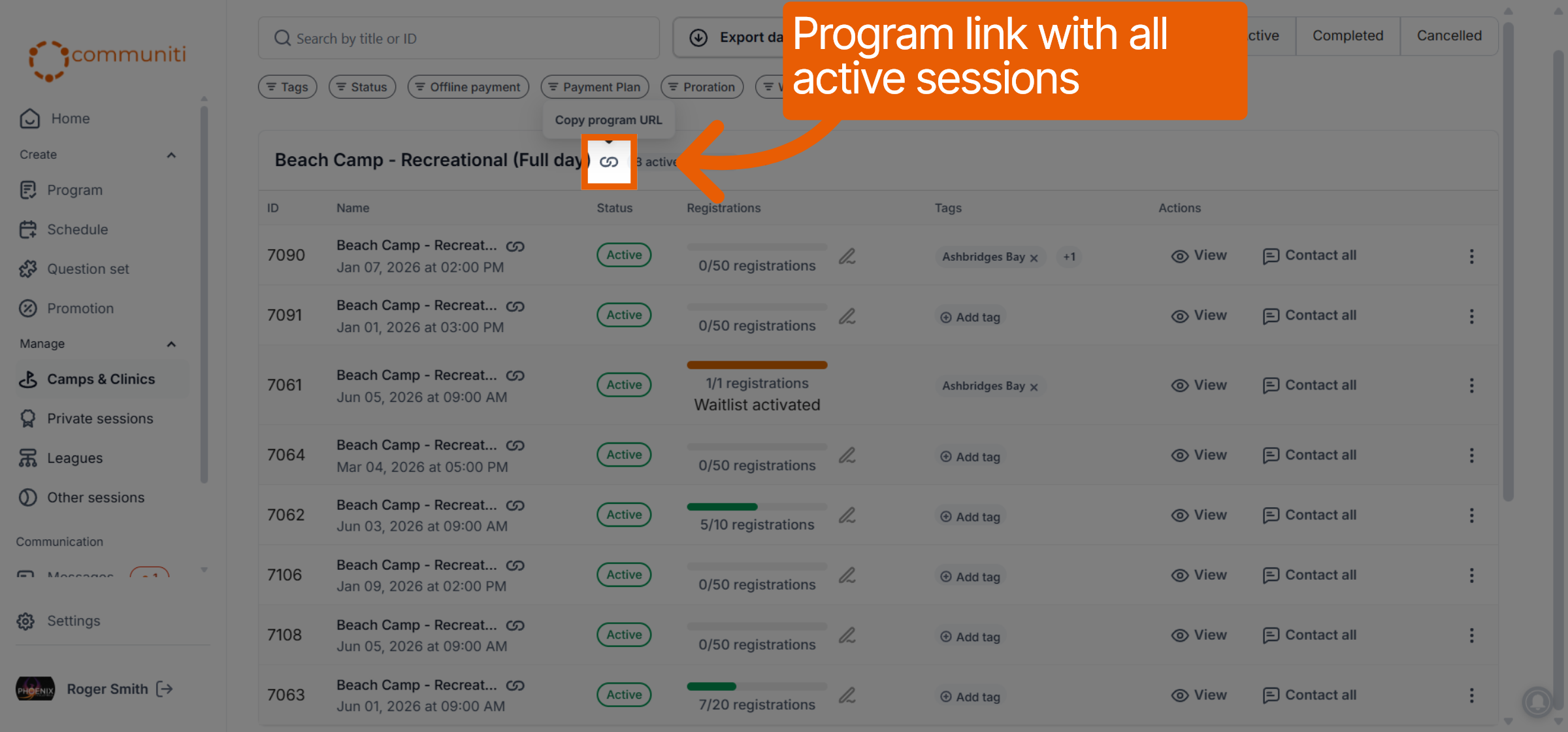
A Program Link is ideal when you have a general program (like "Summer Beach Camp") that contains multiple session dates and you want the user to select the one that fits their schedule.
How to get the link: In your session list, locate the program heading and click the Link icon. Select Copy program URL.
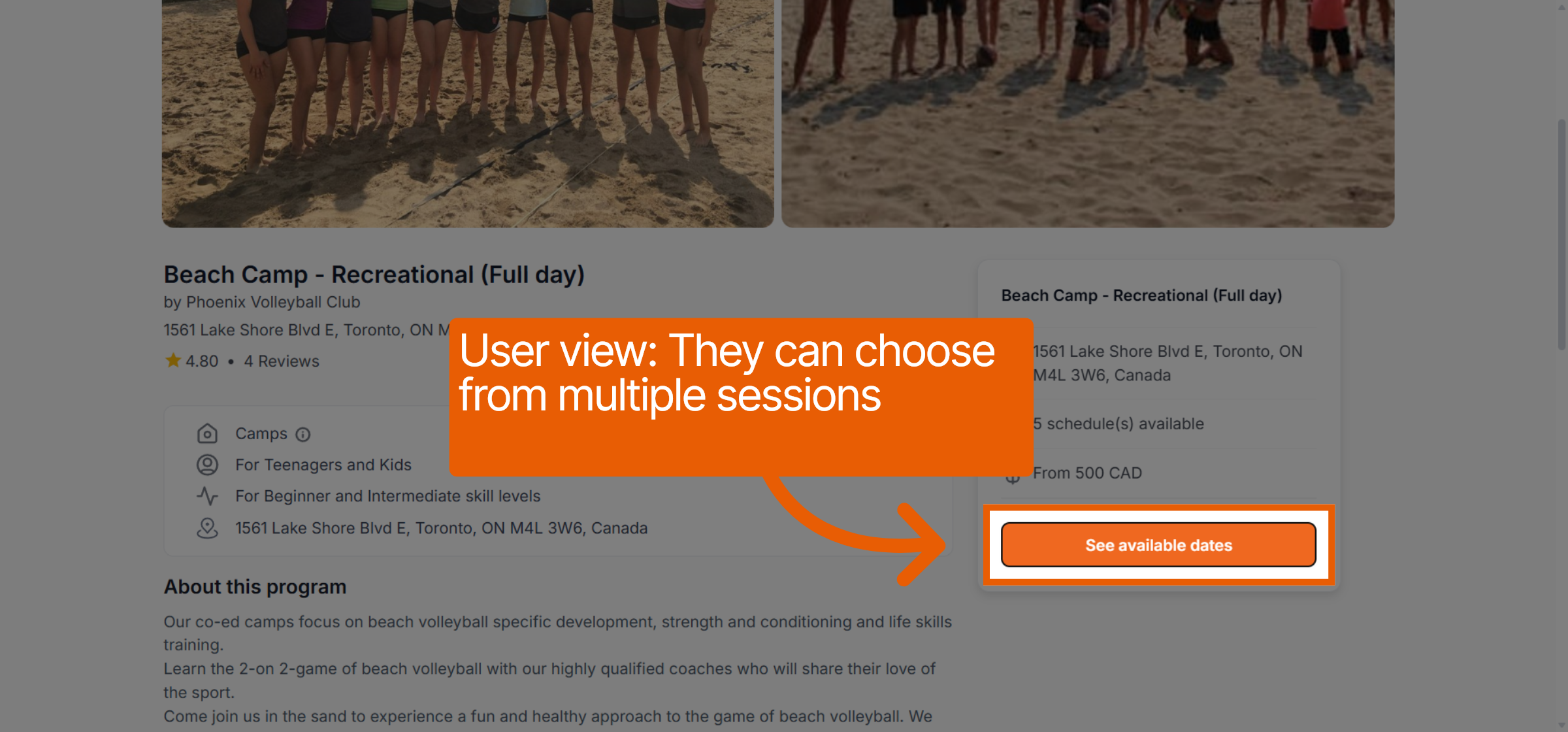
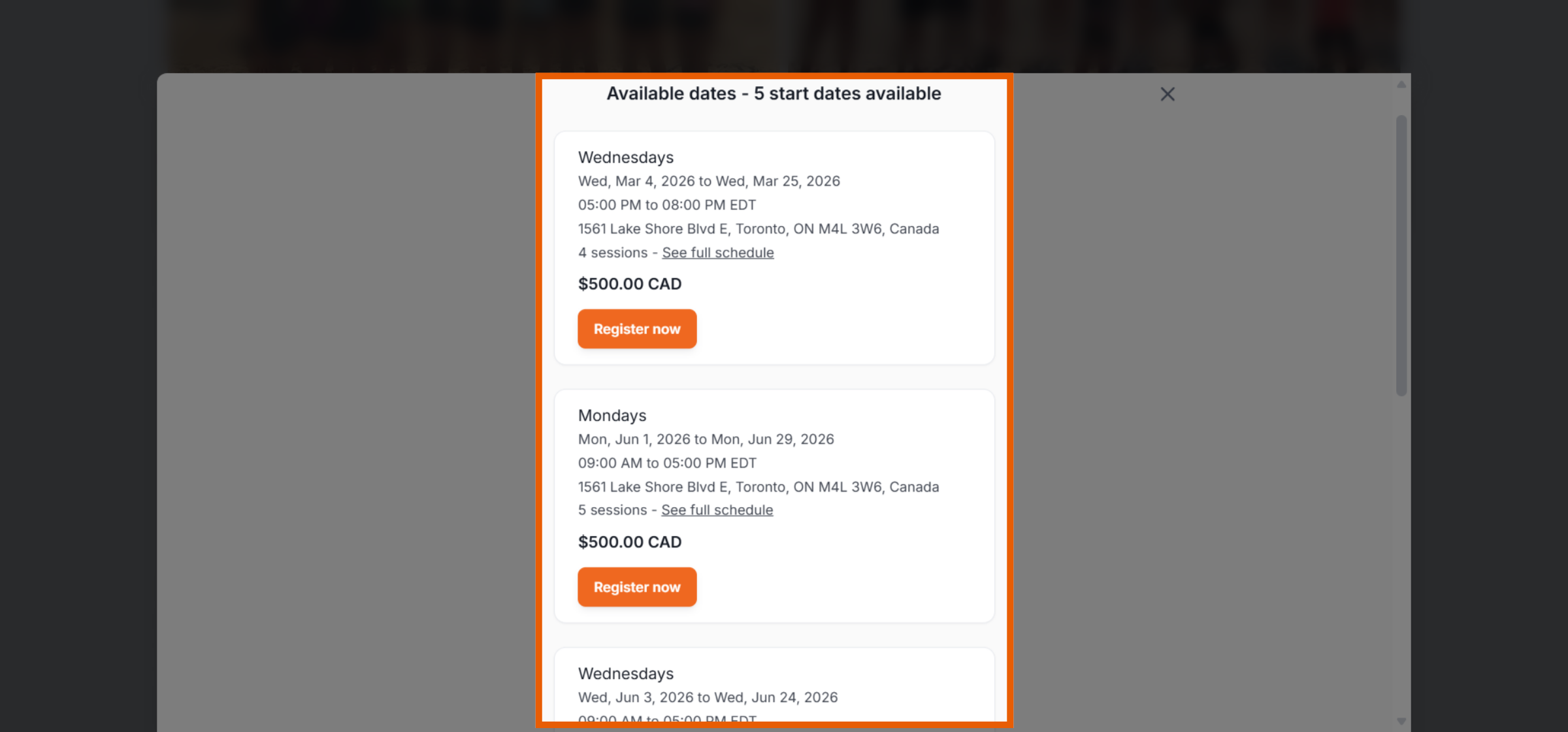
The User Experience: When a user clicks this link, they see your program description and an overview of available options. They can click See available dates to view a list of all active sessions under that program and choose their preferred one.
2. Session Links: The Direct-to-Book View
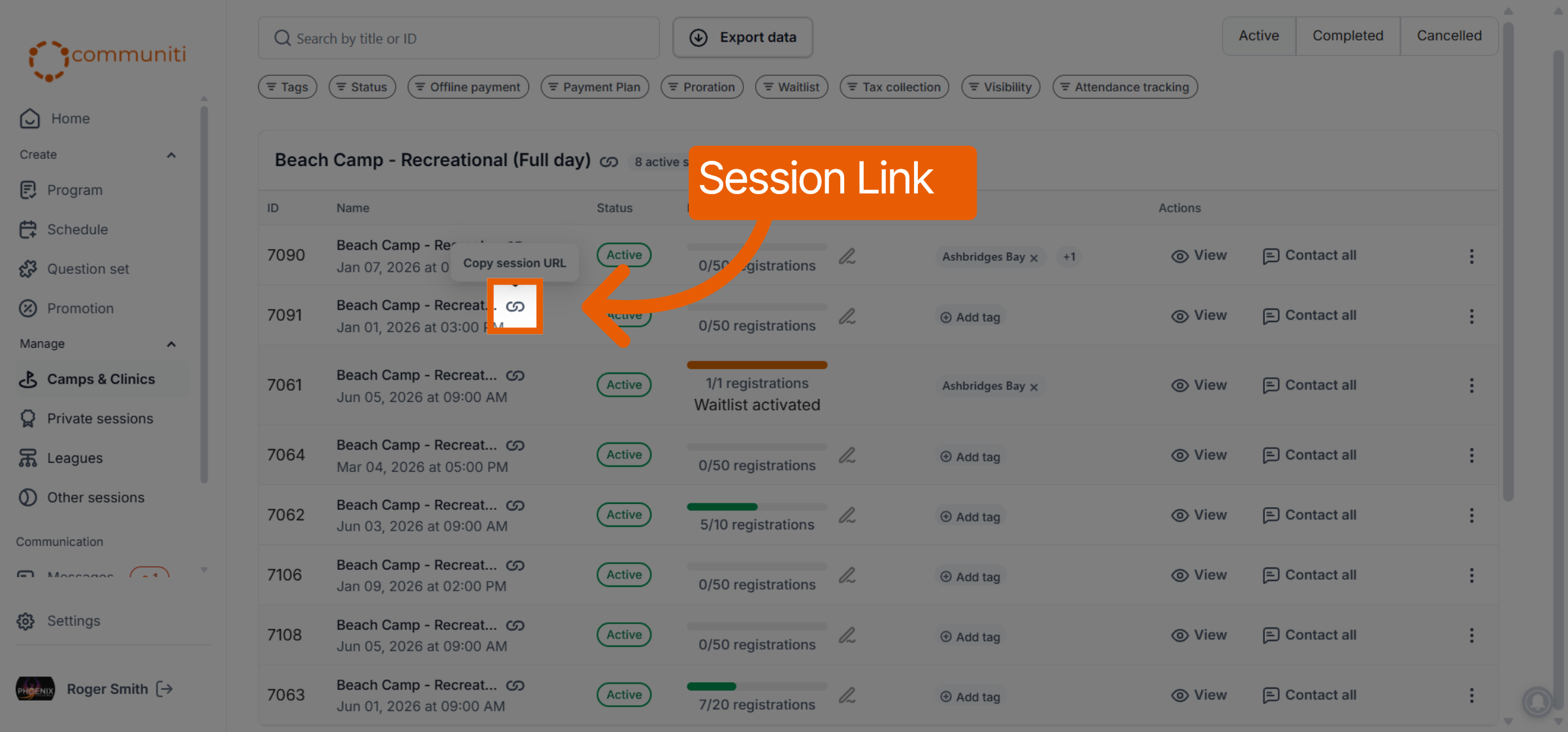
A Session Link is a direct shortcut to one specific set of dates and times. This is best for targeted marketing or when a user has already decided on a specific session.
How to get the link: Find the specific session row in your list and click the Link icon next to that individual session. Select Copy session URL.
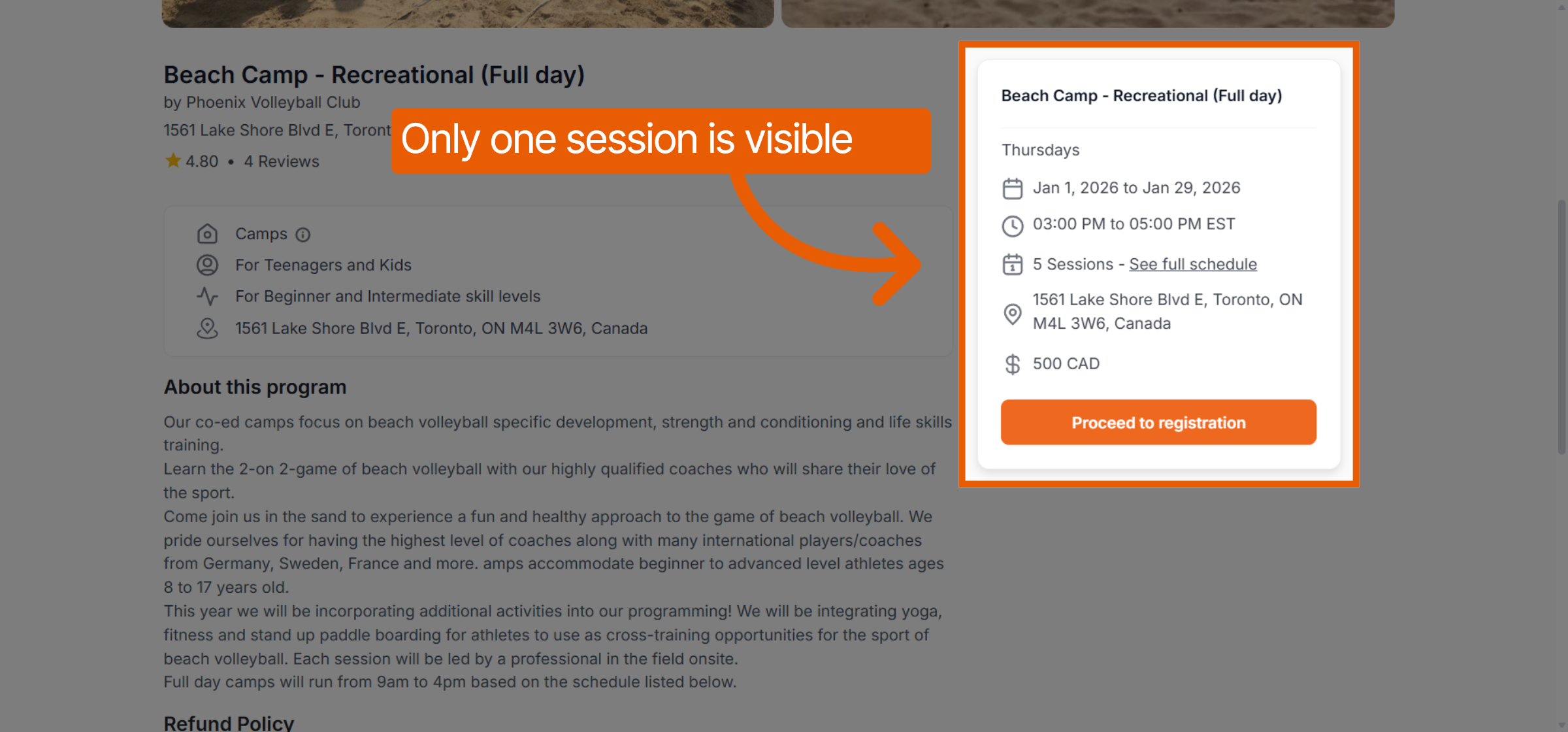
The User Experience: The user is taken directly to that specific session's landing page. They will see only that single session's details and can click Proceed to registration immediately without browsing other dates.
Was this helpful?
Still need help? Ask the team