How to Search for Programs
As your list of offerings grows, you can use the search and filter tools to quickly find the specific program template you need to edit or schedule.
Written By communiti
Last updated 10 months ago
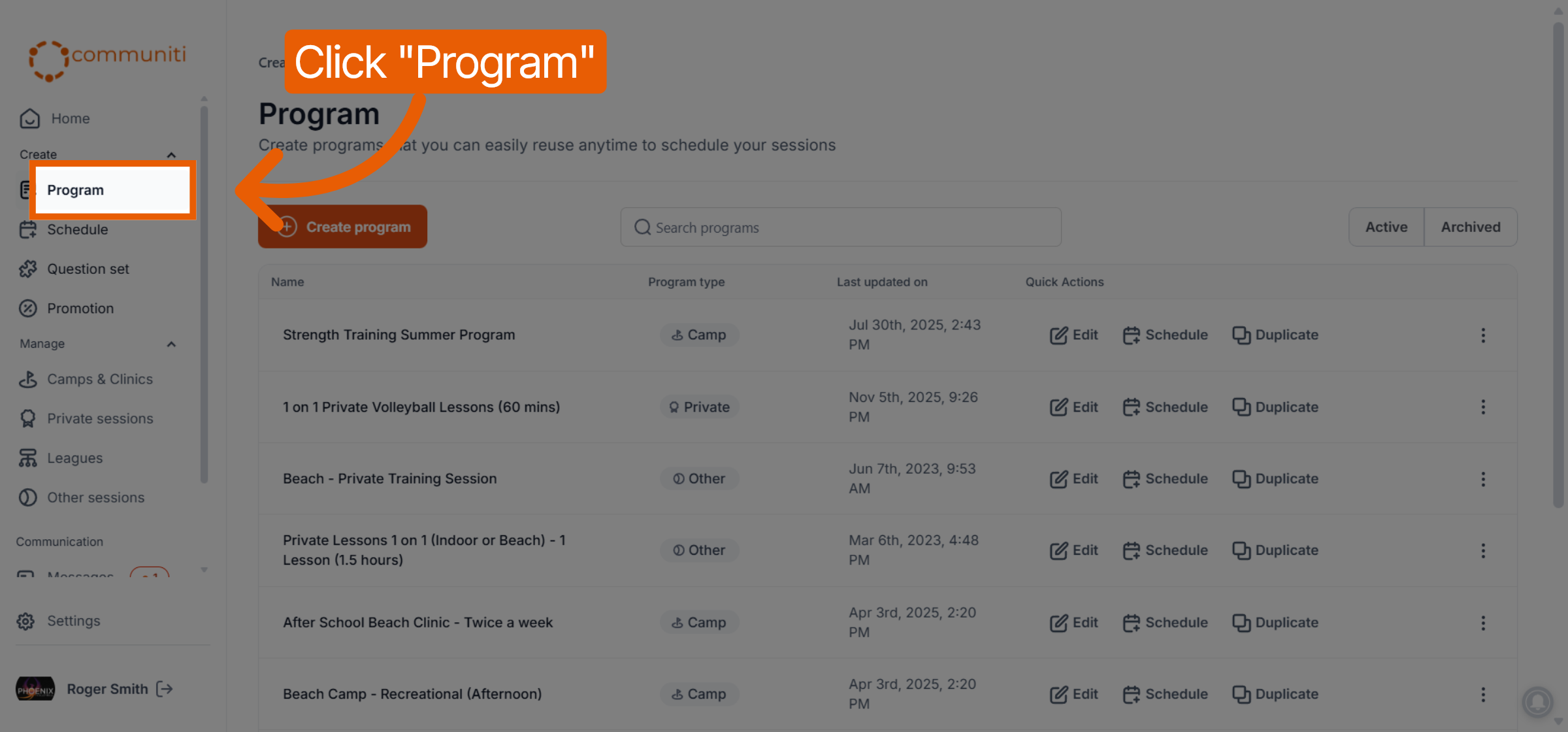
1. Navigate to the Program Tab
Click on Program in the left-hand sidebar to open your full list of program templates.
2. Use the Search Bar
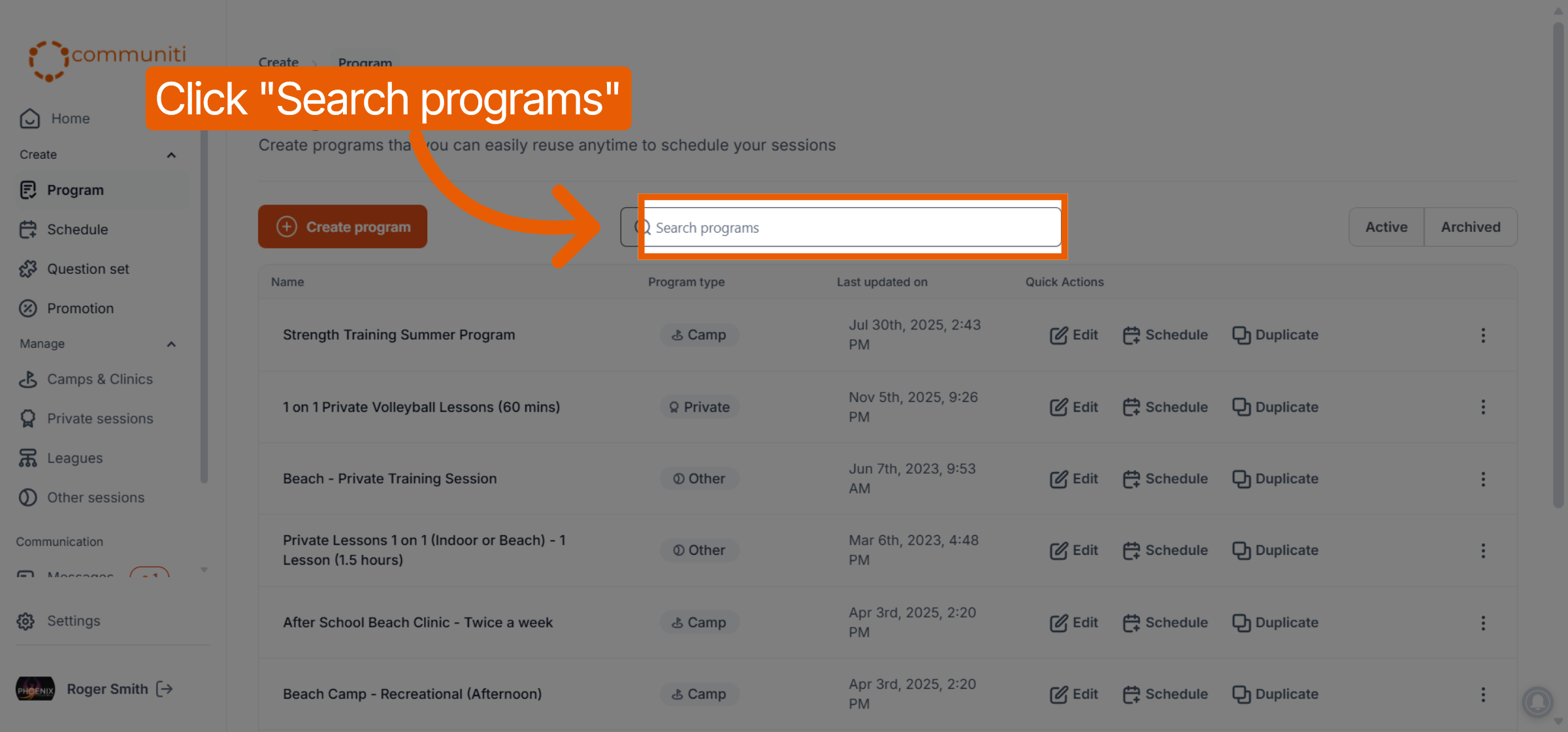
Locate the Search programs bar at the top of the program list.
Type the name of the program you are looking for.
The list will update in real-time as you type to show matching results.
3. Filter by Status
You can further narrow your search by filtering between active and hidden templates:
Active: View the programs you are currently using to schedule sessions.
Archived: View programs that you have hidden from your main list.
Pro-Tip: If you can't find a program you know you created, double-check the Archived tab. You may have hidden it at the end of a previous season!
Was this helpful?
Still need help? Ask the team