How to Edit Promotions
You can update your promotion details, such as the discount value or the active dates, at any time to keep your offers current.
Written By communiti
Last updated 10 months ago
1. Locate the Promotion
Access your full list of active and expired offers to find the one you need to modify.
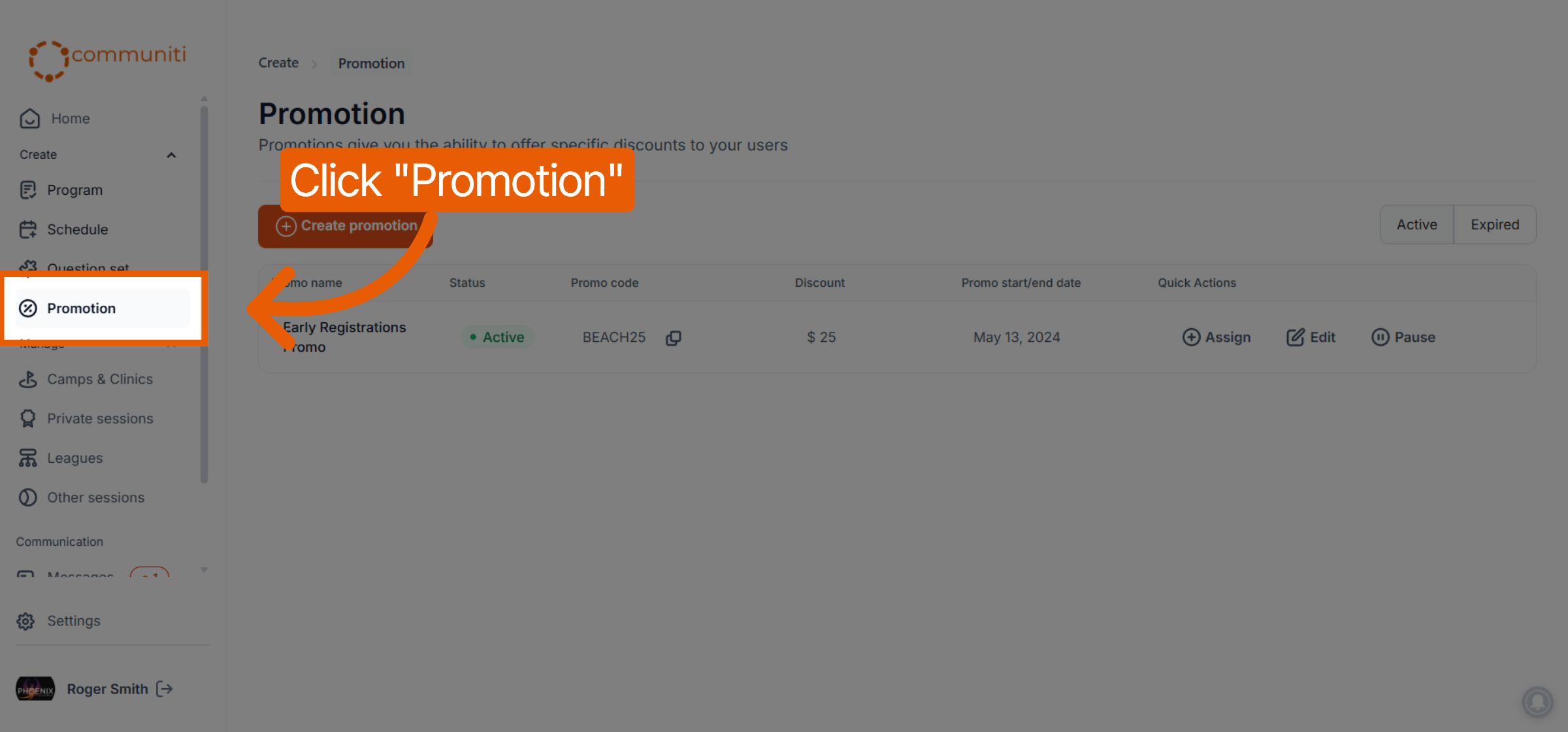
Select Promotion from the left sidebar menu.
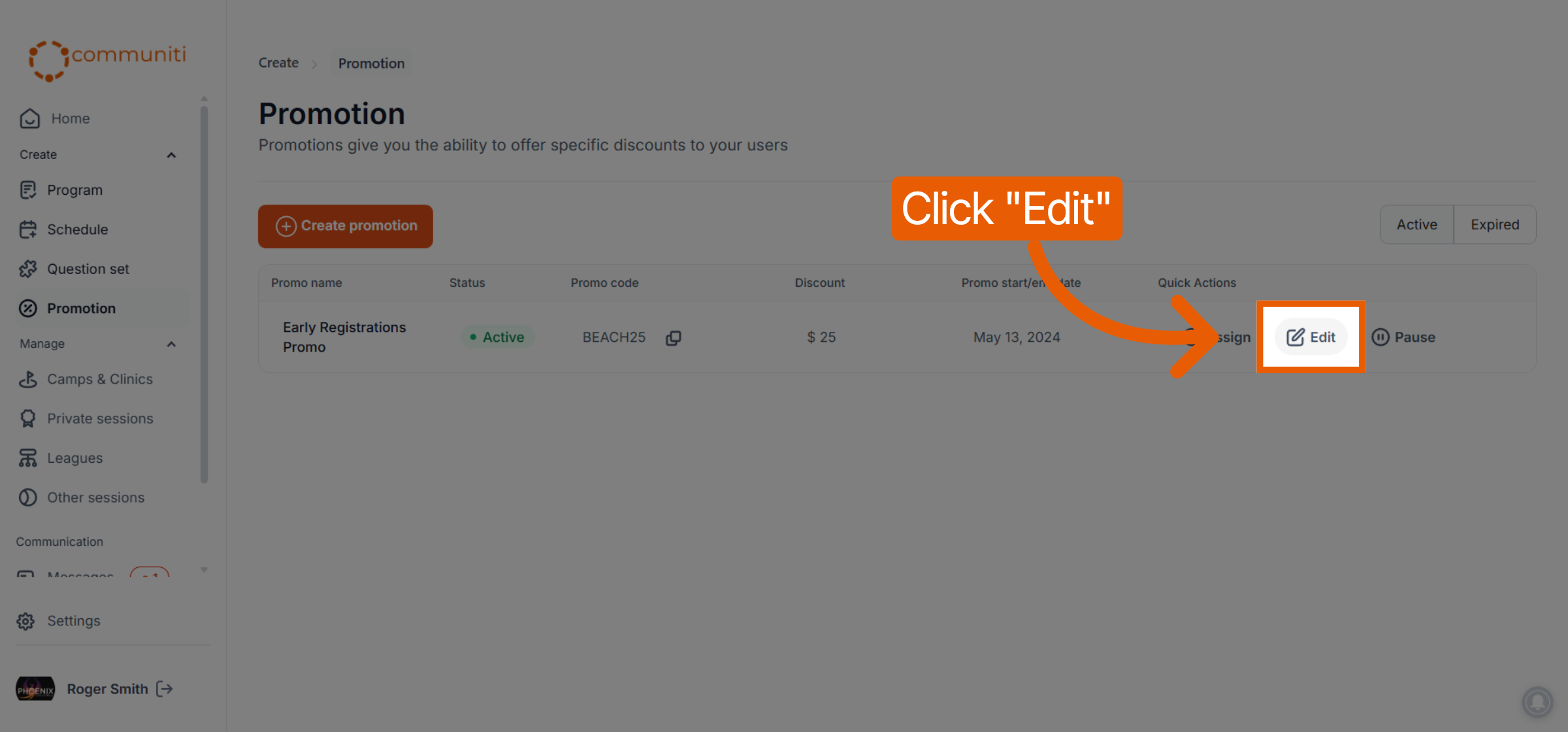
Find the specific promotion in your list and click the Edit button in its row.
2. Update Promotion Details
The editor allows you to adjust all aspects of the original promotion.
Modify Value: You can update the Discount type or change the Discount amount.
Adjust Timeline: Change the Start date or add/modify a Set end date to extend or shorten the offer.
3. Save Your Changes
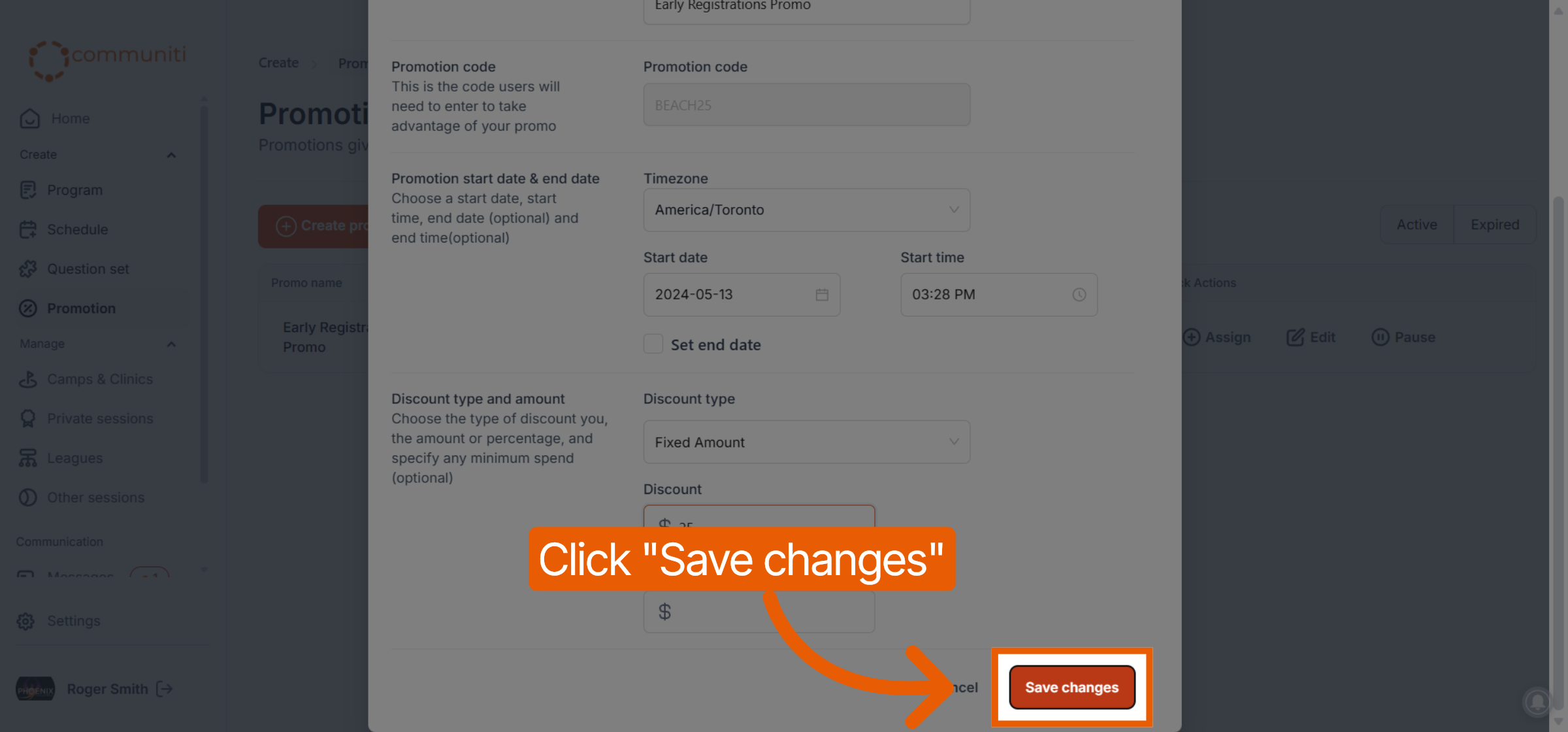
Once you have finished your updates, click the orange Save changes button at the bottom of the window.
Your updates are applied immediately; any sessions currently linked to this promotion will reflect the new settings for all future registrations.
Was this helpful?
Still need help? Ask the team