How do I book the rest of my private lessons?
When you buy a private lesson pack, only the first lesson is booked. Your club books the others with you.
Written By communiti
Last updated About 20 hours ago
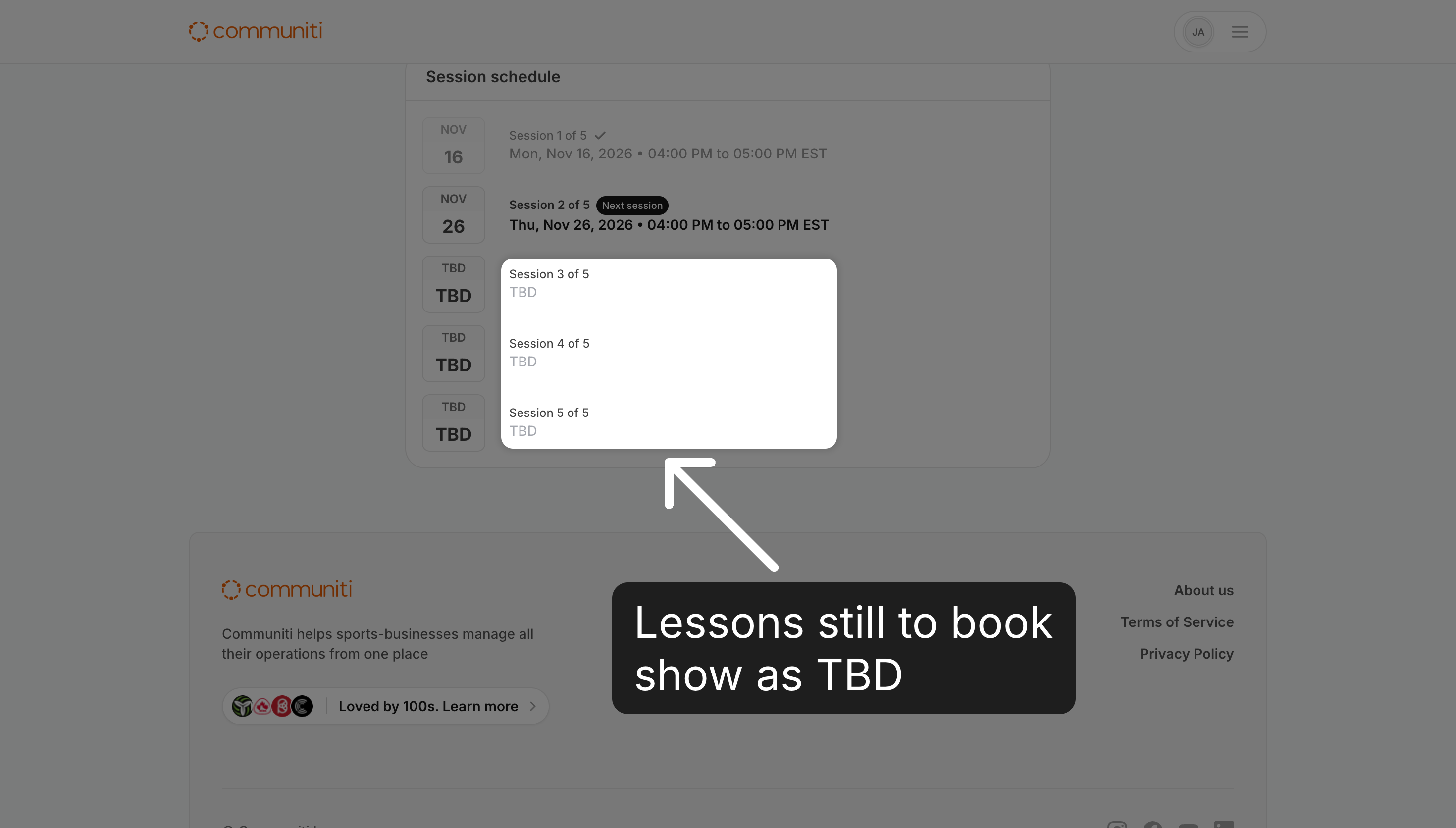
When you buy a lesson pack, you choose the day and time of your first lesson only. The other lessons show as TBD until your club books them with you.
1. See Which Lessons Are Still to Book
Your lessons are on your order.
Click My sessions at the top of the page, then click your lesson pack.
Under Session schedule, lessons that aren't booked yet show as TBD.
2. Ask Your Club to Book Them
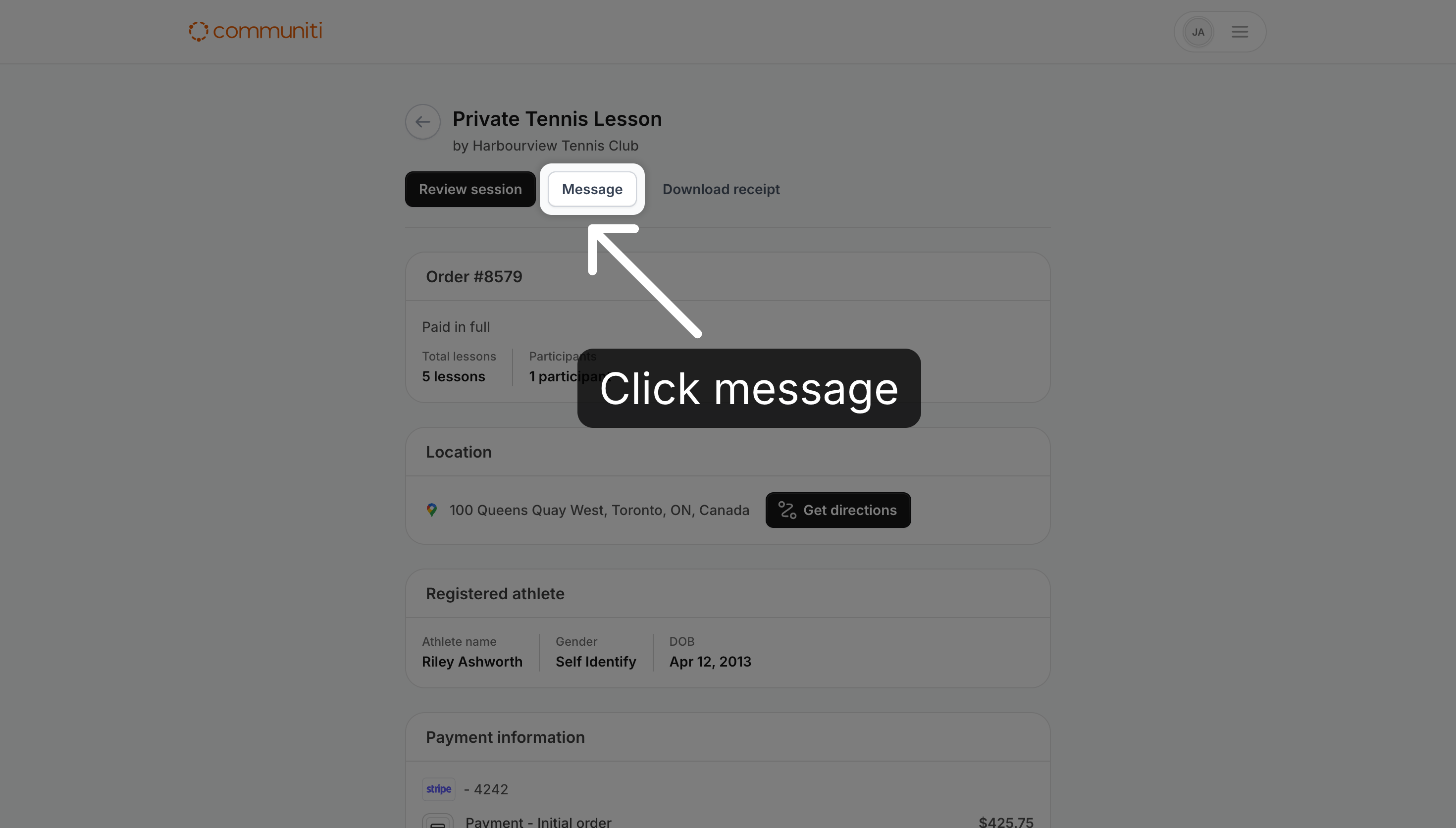
You can't book these lessons yourself in the app yet, so message your club.
Click Message on your order.
Tell the club which days and times suit you. They book each lesson for you.
Note: Book your remaining lessons while the club is still taking private lessons. Ask your club until when you can book them.
What happens next?
Each lesson the club books gets its date in your Session schedule, and you get a calendar invitation for it.
Was this helpful?
Still need help? Ask the team